

Manual entry is started from the cashier screen. Shoppers can’t start it from the shopper display.
Switch to manual entry
- Ring up the items, then go to the payment screen.
- Select Card as the payment type.
- Tap Card Options at the bottom of the screen.
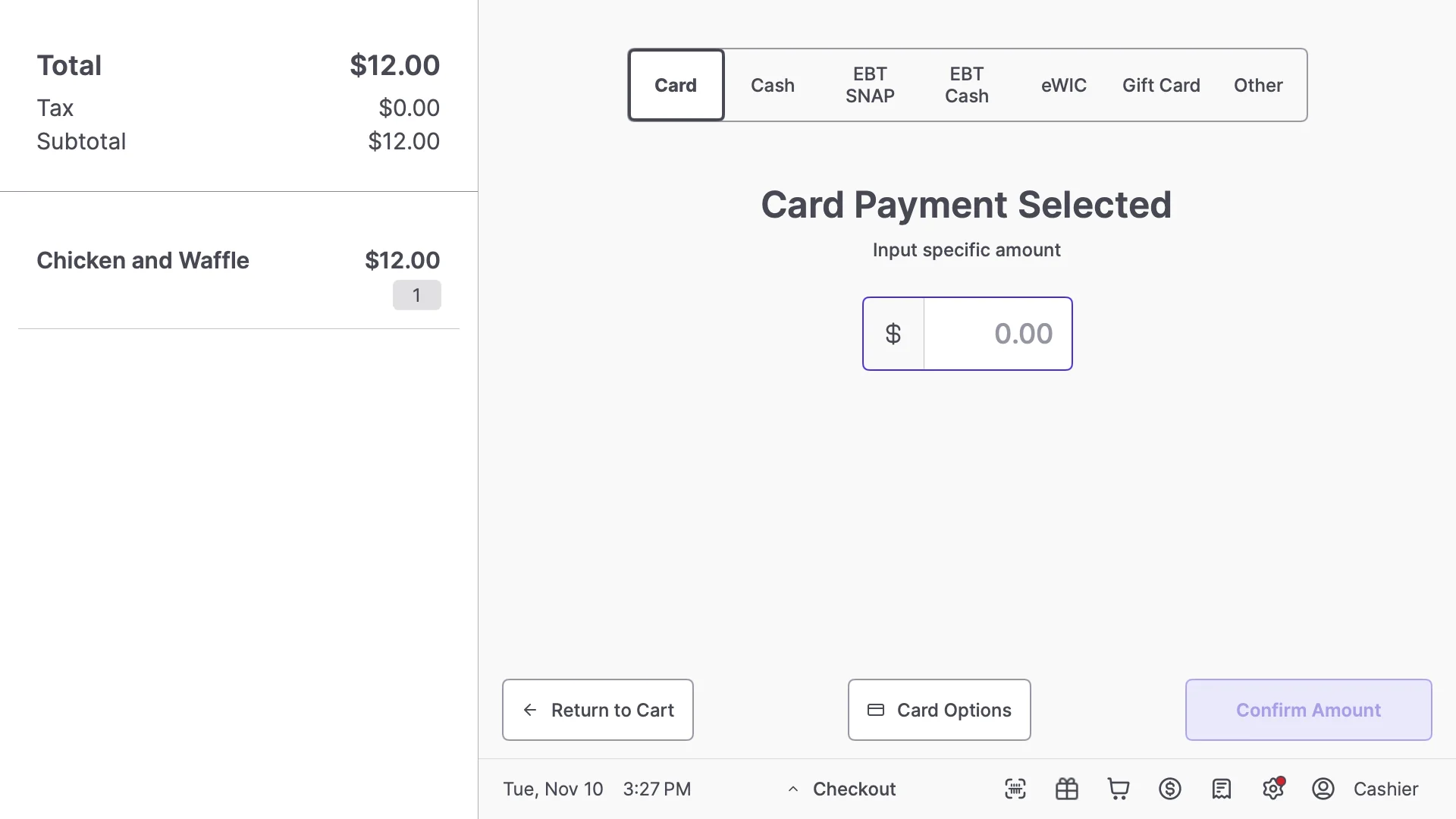
- In the Card Options window, select Manual. Leave it on Auto for a normal tap, insert, or swipe.
- Tap Apply Changes.
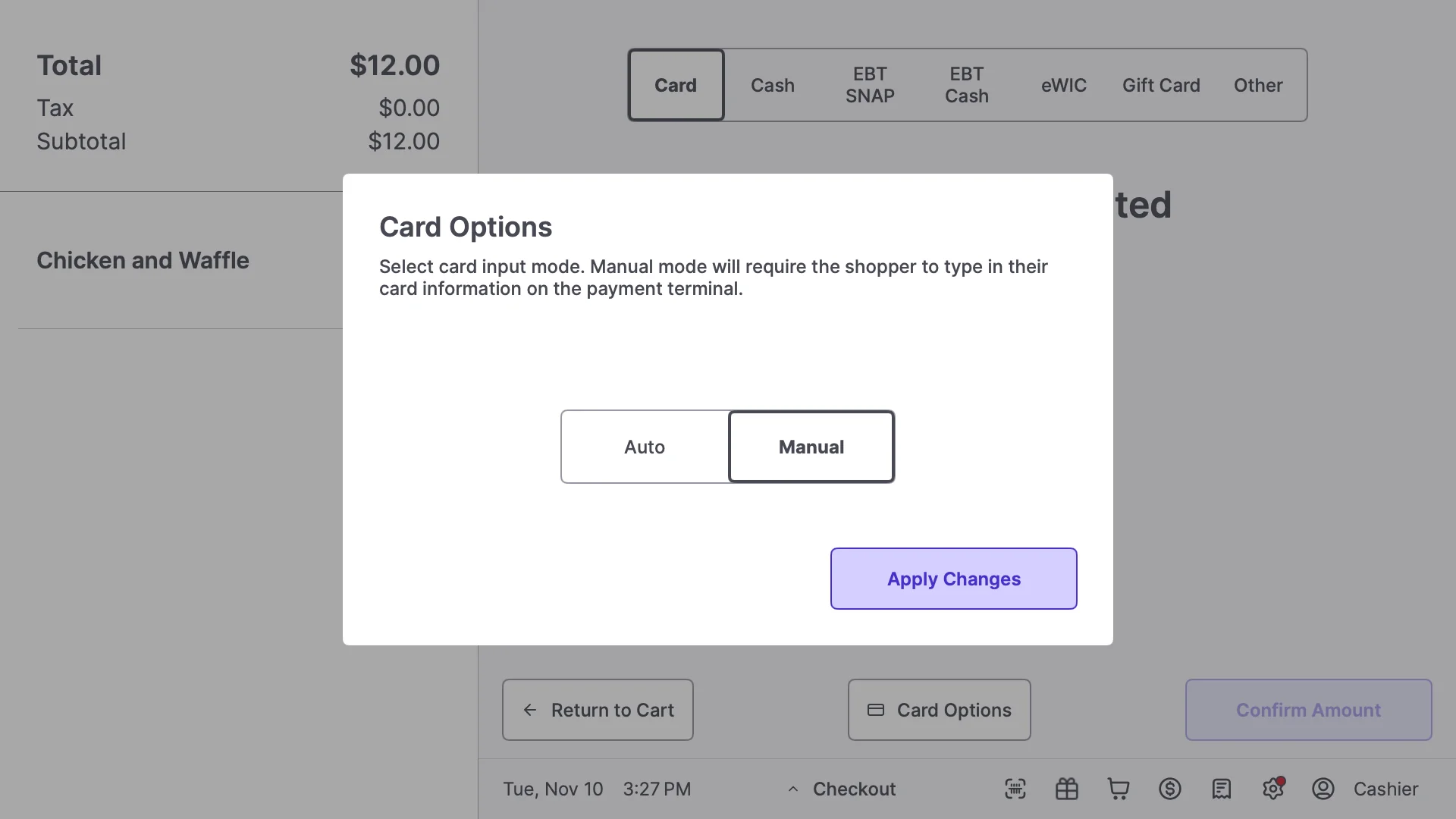
- Enter an amount if you’re splitting the payment, then tap Confirm Amount.
- Ask the shopper to type their card number and expiration date on the payment terminal, then follow the prompts.
If the payment is declined
If the payment terminal shows 035 Tag in Error:904, the card number may have been mistyped. Have the shopper re-enter it carefully. If it still fails, ask for another payment method. For other errors, see Payment Terminal Error Messages.Related articles
- Accept EBT Payments on the POS (manual entry for EBT uses EBT SNAP Options)
- How Cashiers and Customers Can Use Shopper Actions