Where to Find the Tag Designer
Go to Tags → Templates in the left-hand menu, then select New Template.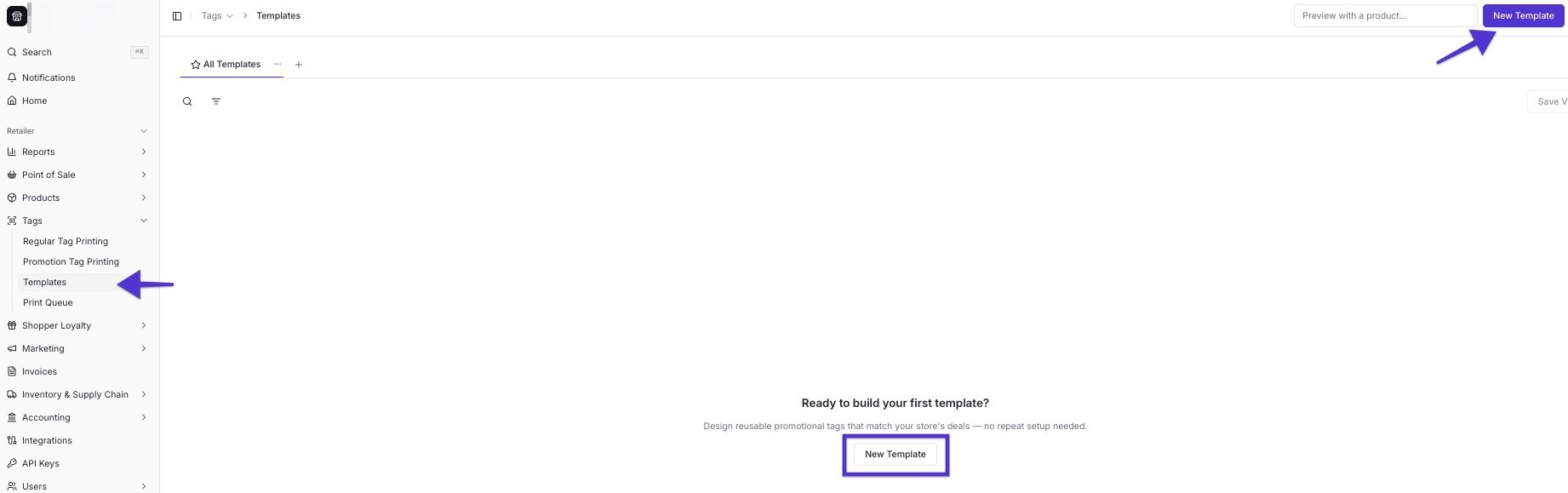
Start a New Template
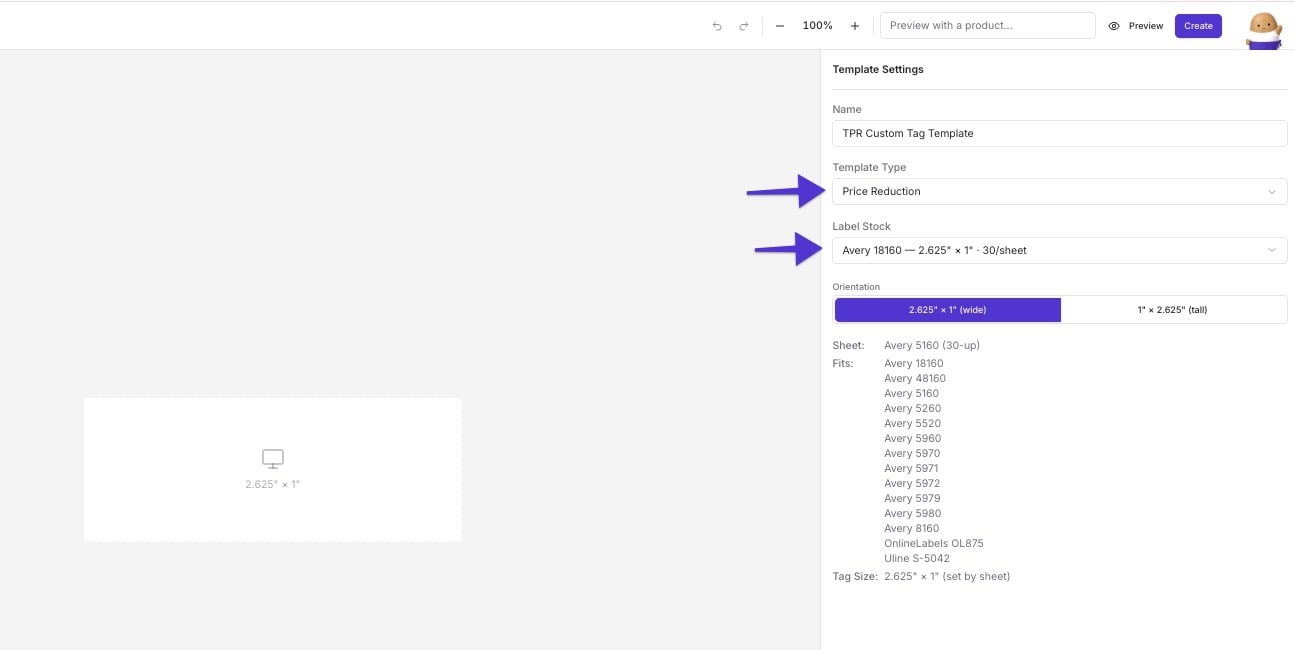
- Name your template. Pick something that tells you what it’s for later, like “TPR — Yellow Tag” or “EDLP — Everyday Low Price.”
- Choose a Template Type. This maps your template to a specific promotion or retail offer type — Price Reduction, Buy X Get Y, Mix & Match, and more. Every promo type and standard retail tag can have its own template.
- Choose a Label Stock. Vori preloads standard sizes and brands you likely already buy from, including Avery, Online Labels, and RTI — with common sheet layouts like 24-up and 32-up included. Some stock includes a pre-printed color region shown on the canvas for reference only; that color doesn’t get sent to your printer.
- Choose an orientation: wide or tall. Each option is labeled with the tag’s exact dimensions — for example, 2.625” × 1” (wide) or 1” × 2.625” (tall). This matters most on larger formats (2” × 4”, 3” × 4”) where you might want a wide layout instead of a hanging tall “dangler.”
Tag templates you build are available across every store under your banner, not just the store you built them in.
Add Elements to Your Tag
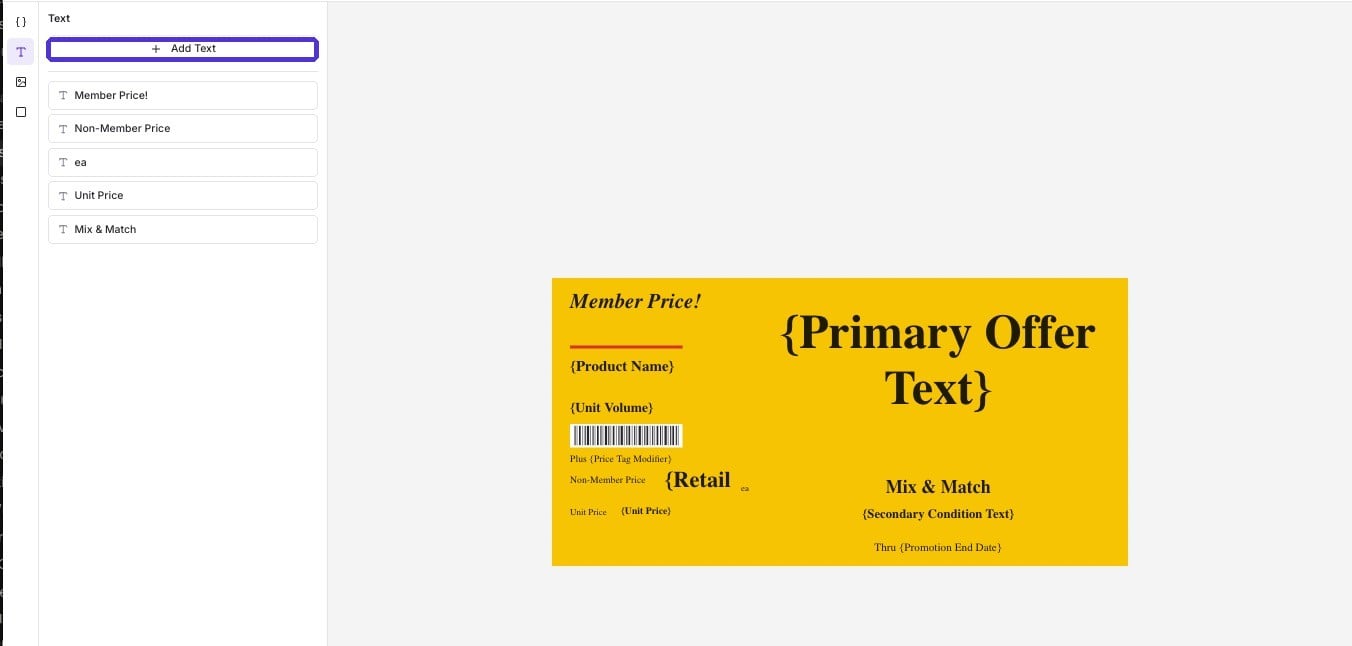
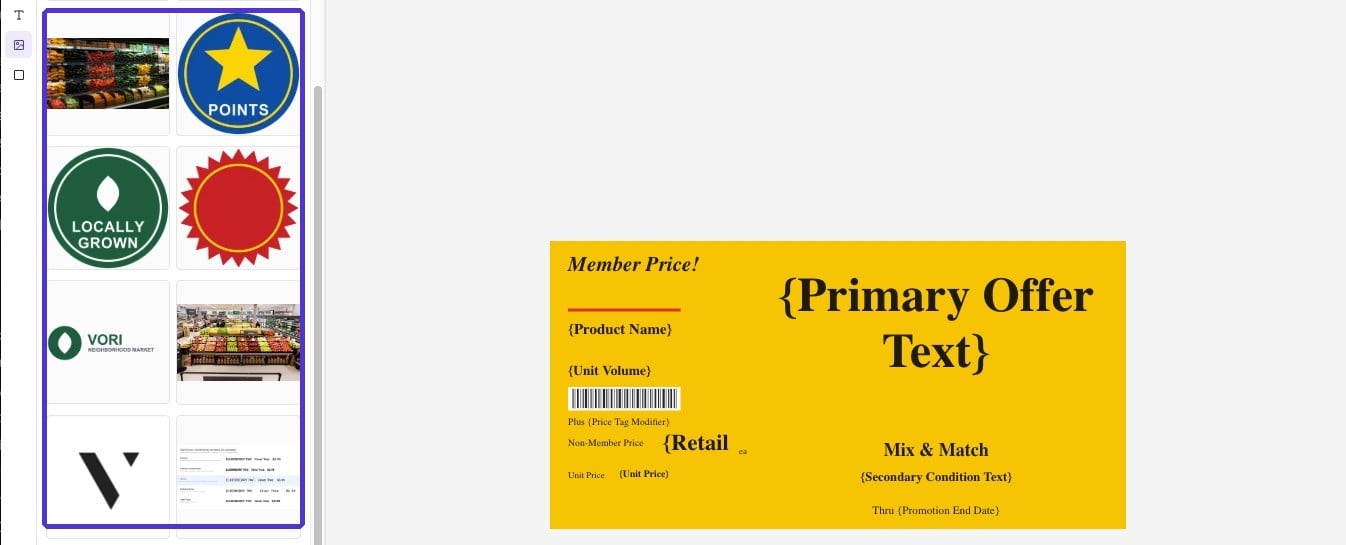
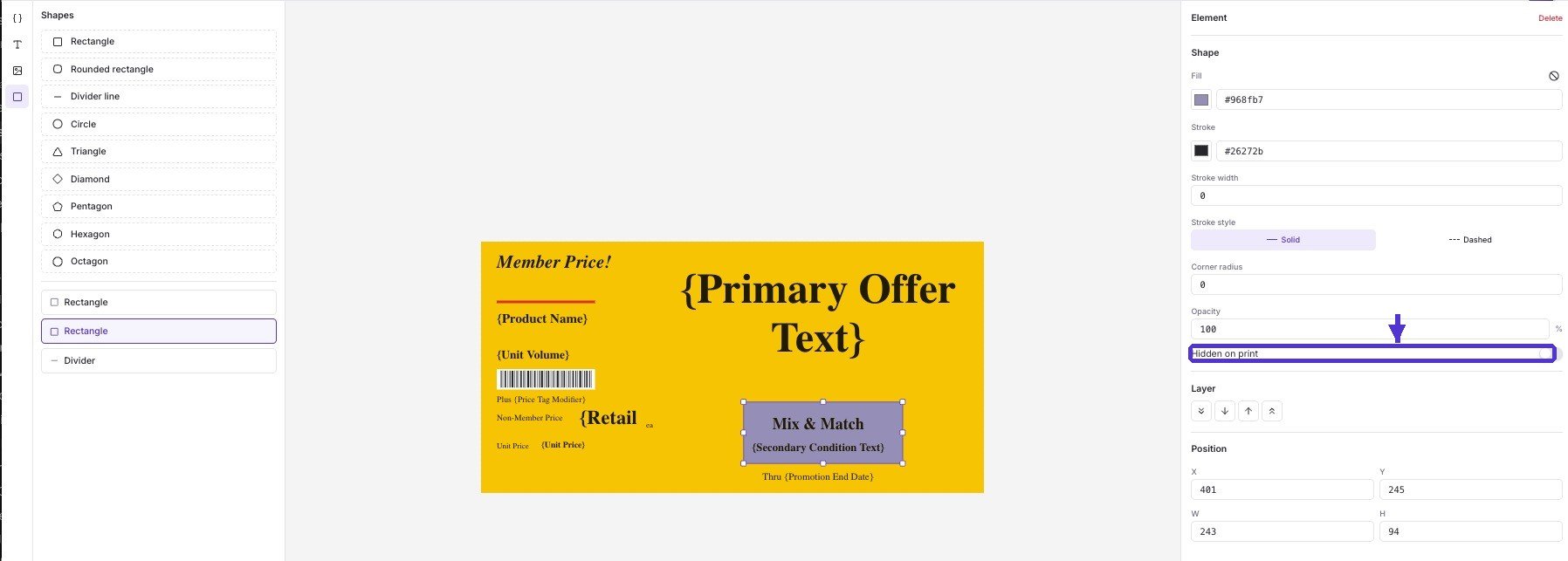
Once you’ve picked a Template Type and stock, you can add four kinds of elements to the canvas: Dynamic fields, like Product Name or Retail Price. Style each field with font, size, color, and stroke color. Turn on strikethrough to cross out a regular price above a lower promo price — a common convention for markdown tags. Resize the field’s box to control text wrapping, so a long product name wraps instead of running off the tag.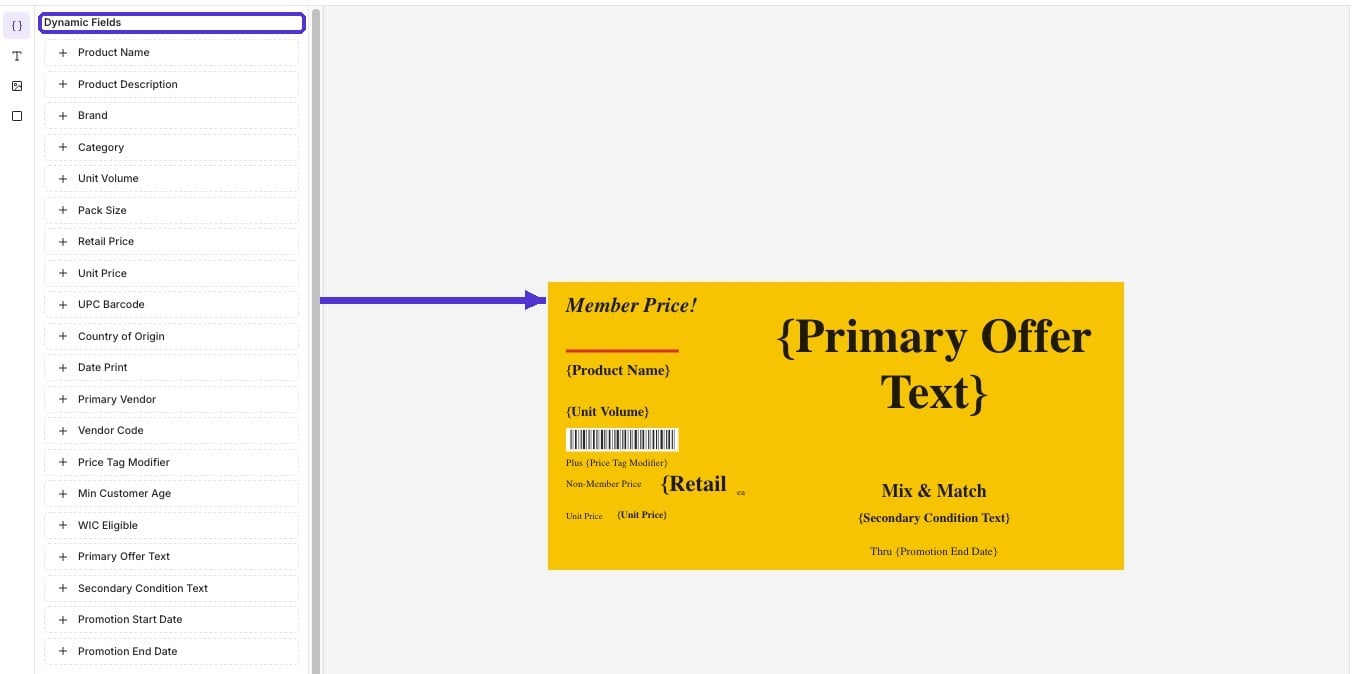
Preview Before You Save
Use the Preview with a product field to search a real product by name or barcode and see exactly how that item will look on the tag — including long product names and special characters.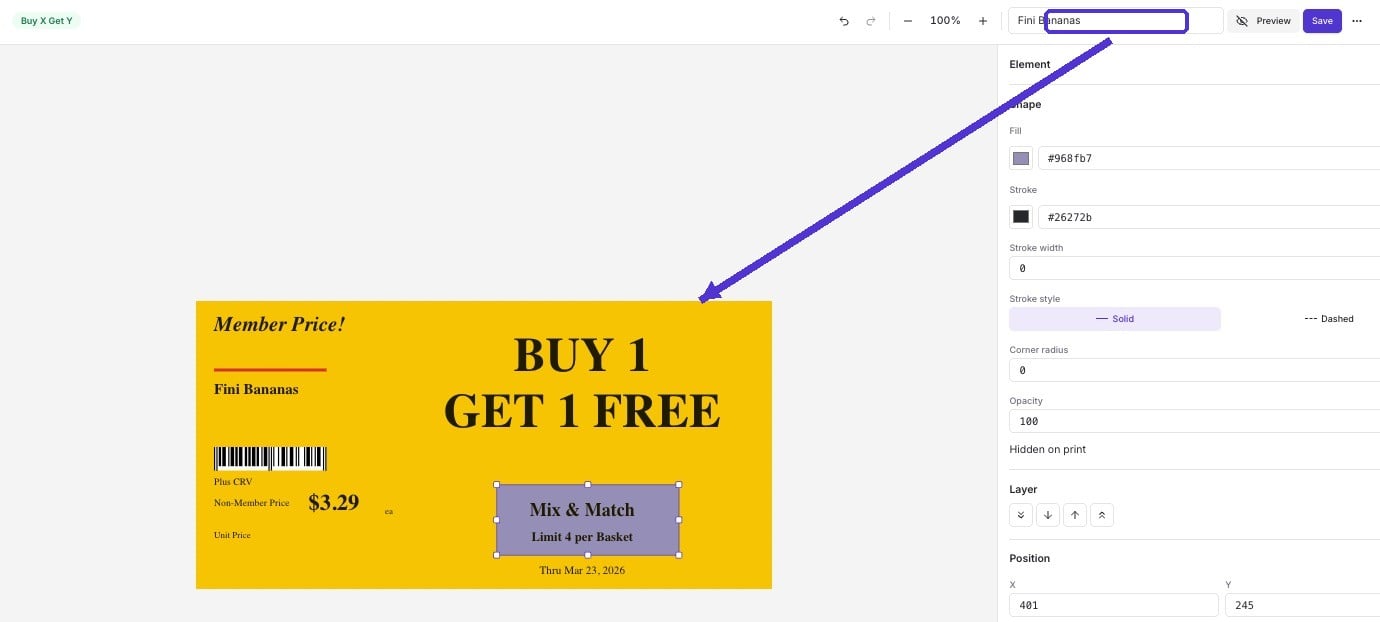
Build Once, Duplicate for Every Deal Type
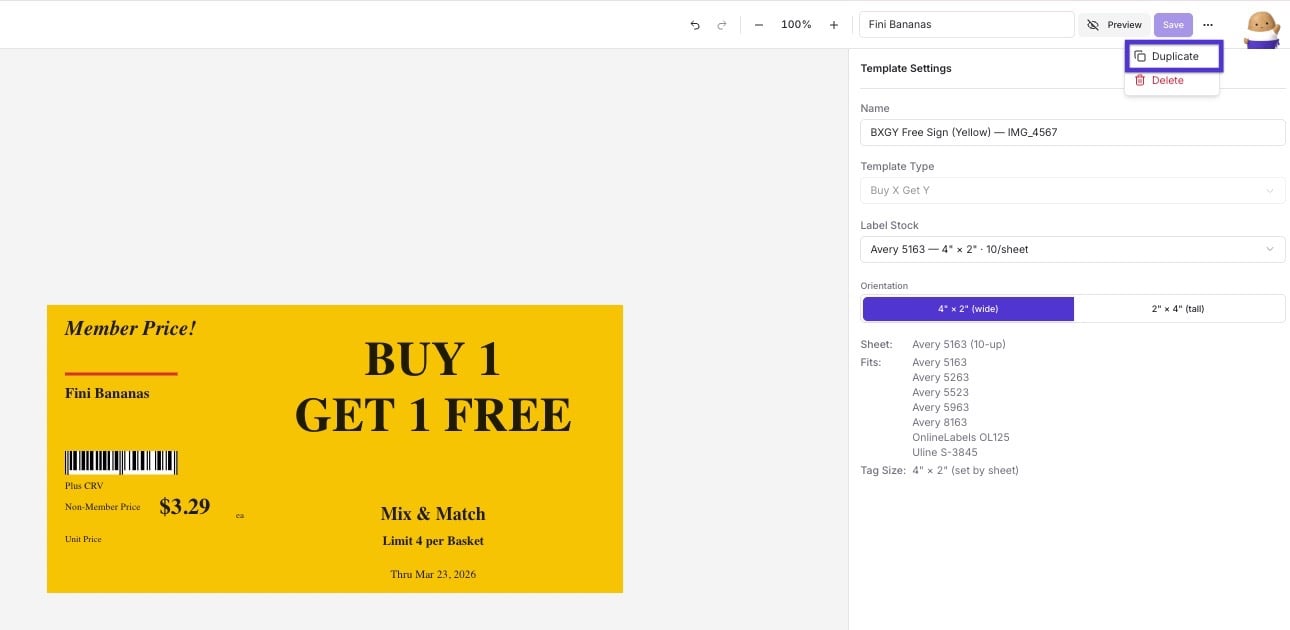
Many grocers use a distinct label design for each kind of deal, so shoppers learn to recognize a markdown tag versus an everyday-low-price tag versus a manager’s special at a glance. Open the ⋯ menu on an existing template and select Duplicate to start a new template from it instead of a blank canvas.