You can easily find specific taxes using the search and filter options at the top of the list.Use the search bar at the top of the page to quickly find a tax by its name.
In the search bar, type the name of the tax.
The list will update automatically to show matching results.
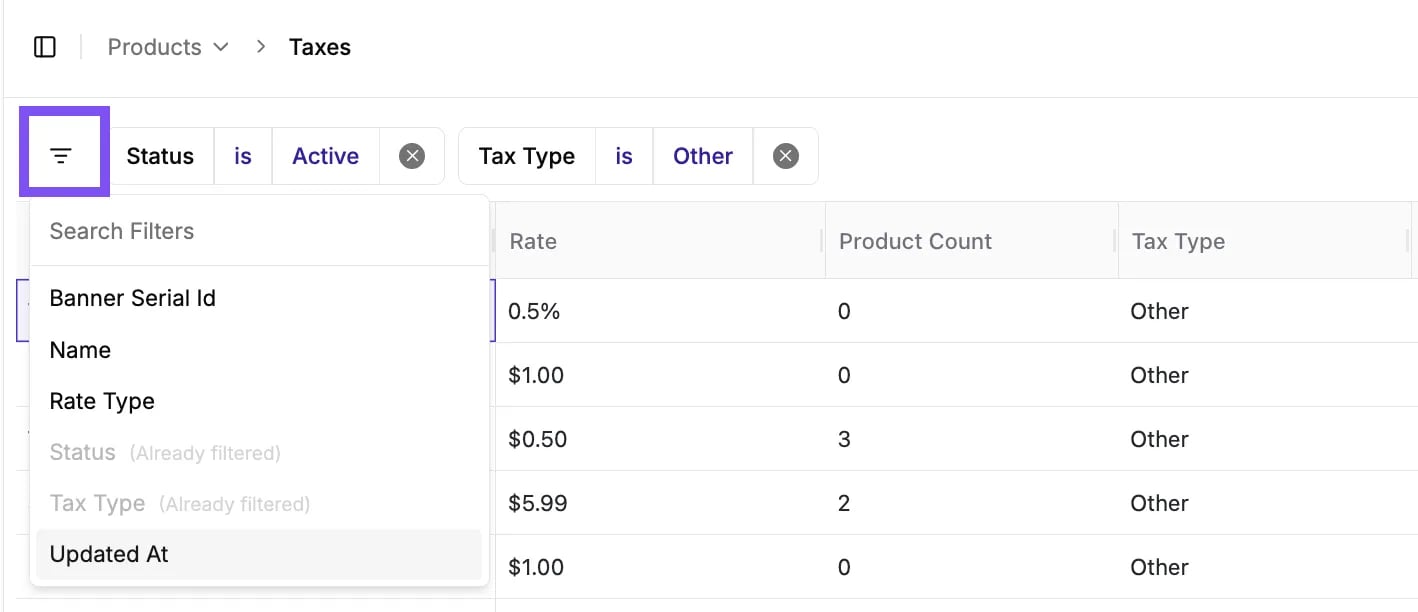
Use filters to narrow down the tax list by specific criteria.
Click the Filter icon (three horizontal lines) on the top left of the table to open the Search Filters panel.
Select a category to filter by, such as Status, Name, Rate Type, or Tax Type.
Choose a condition (e.g., is, equals, contains) and select a value.
You can combine multiple filters to narrow your results.\
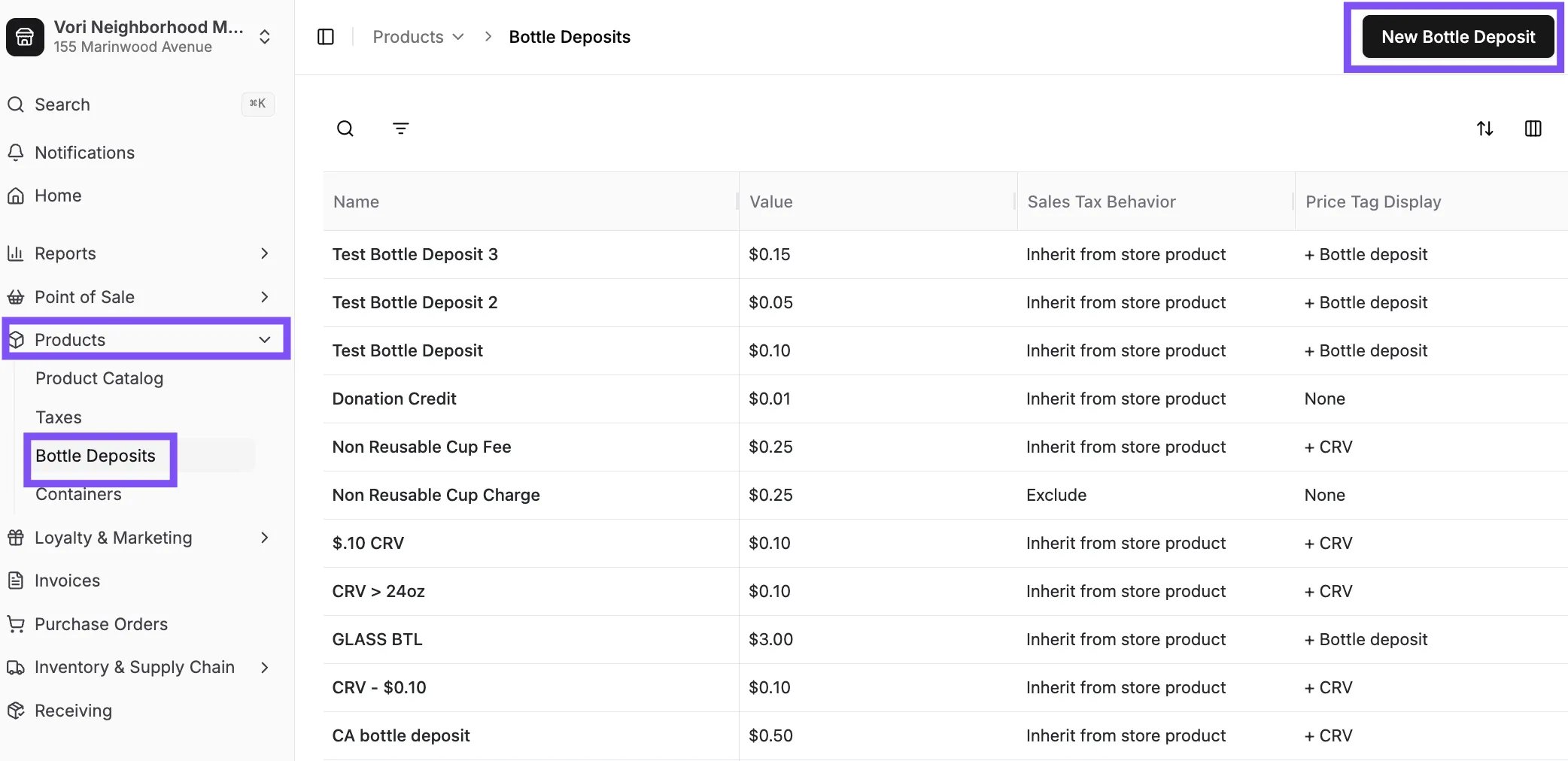
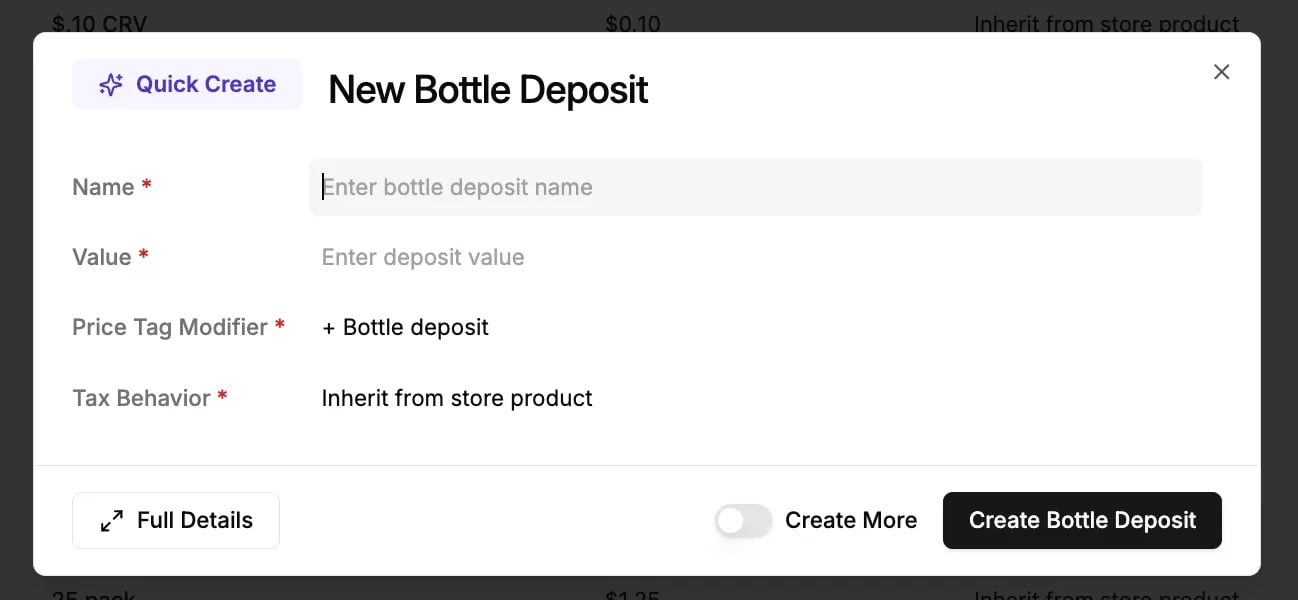
You can find specific bottle deposits using the search bar or the advanced filter options.Use the search bar at the top of the page to quickly find a bottle deposit by its name.
In the search bar, type the name of the deposit.
The list will update automatically to show matching results.
Use filters to narrow down the tax list by specific criteria.
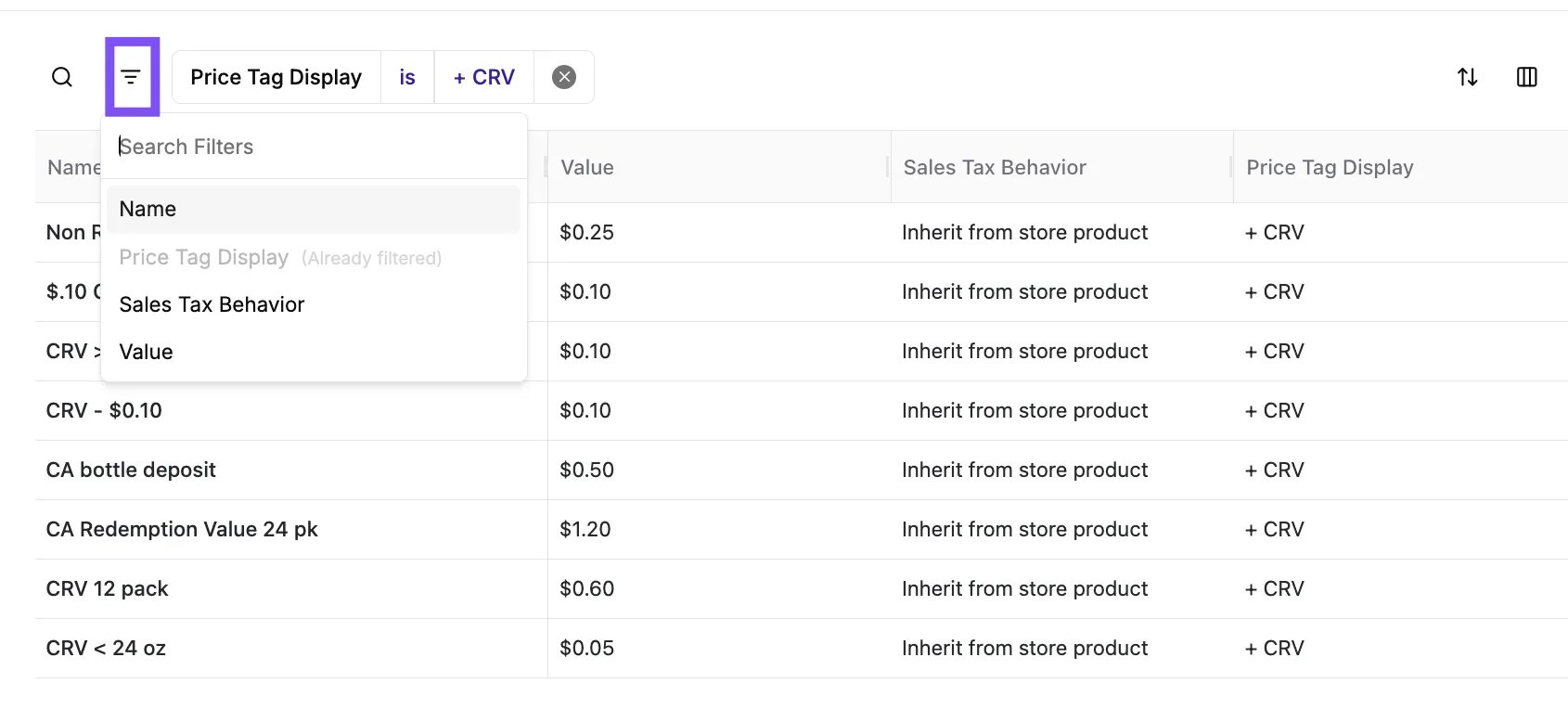
Click the Filter icon (three horizontal lines) on the top left of the table to open the Search Filters panel.
Select a category to filter by, such as Name, Price Tag Display, Sales Tax Behavior, or Value.
Choose a condition (e.g., is, in range) and select or enter a value.
You can combine multiple filters to narrow your results.
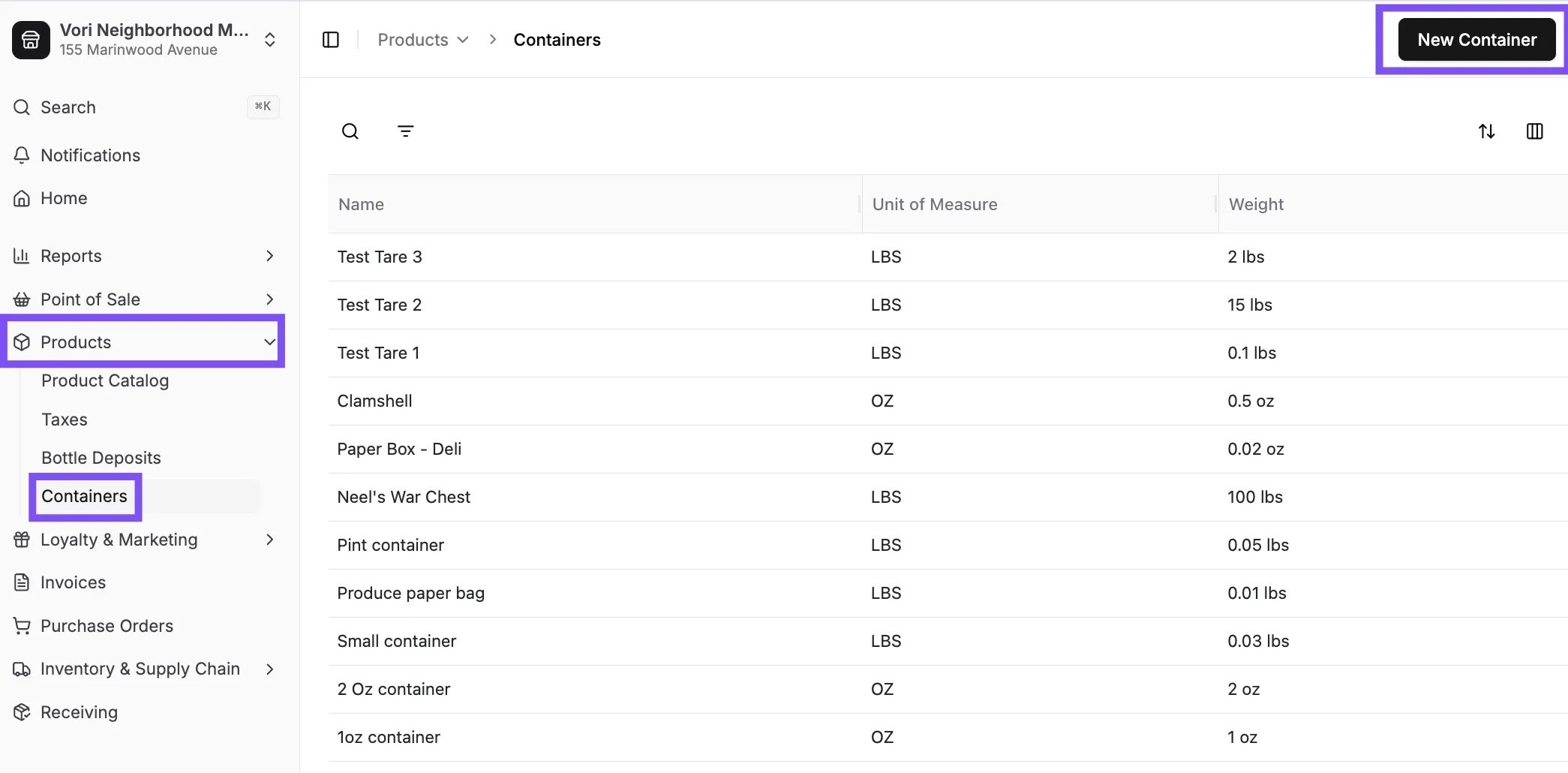
You can find specific tares using the search bar or the advanced filter options.Use the search bar at the top of the page to quickly find a tare by its name.
In the search bar, type the name of the tare.
The list will update automatically to show matching results.
Use filters to narrow down the tax list by specific criteria.
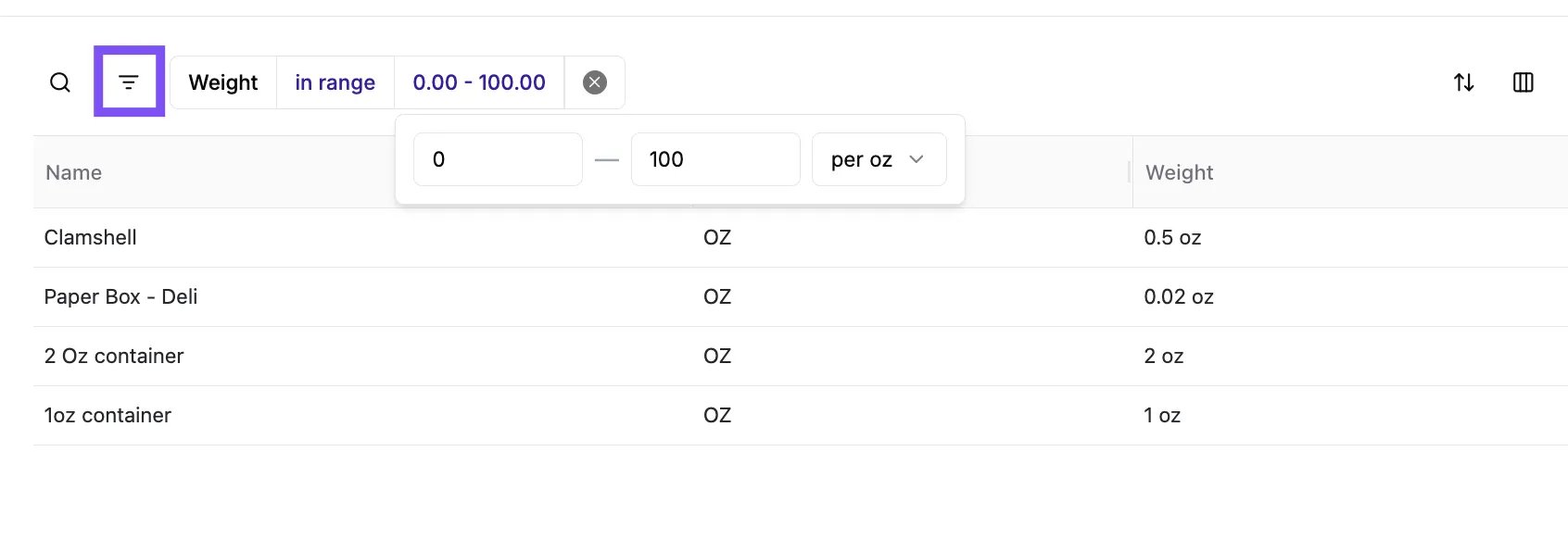
Click the Filter icon (three horizontal lines) on the top left of the table to open the Search Filters panel.
Select a category to filter by, such as Name or Weight.
Choose a condition (e.g., is, in range) and select or enter a value.
You can combine multiple filters to narrow your results.