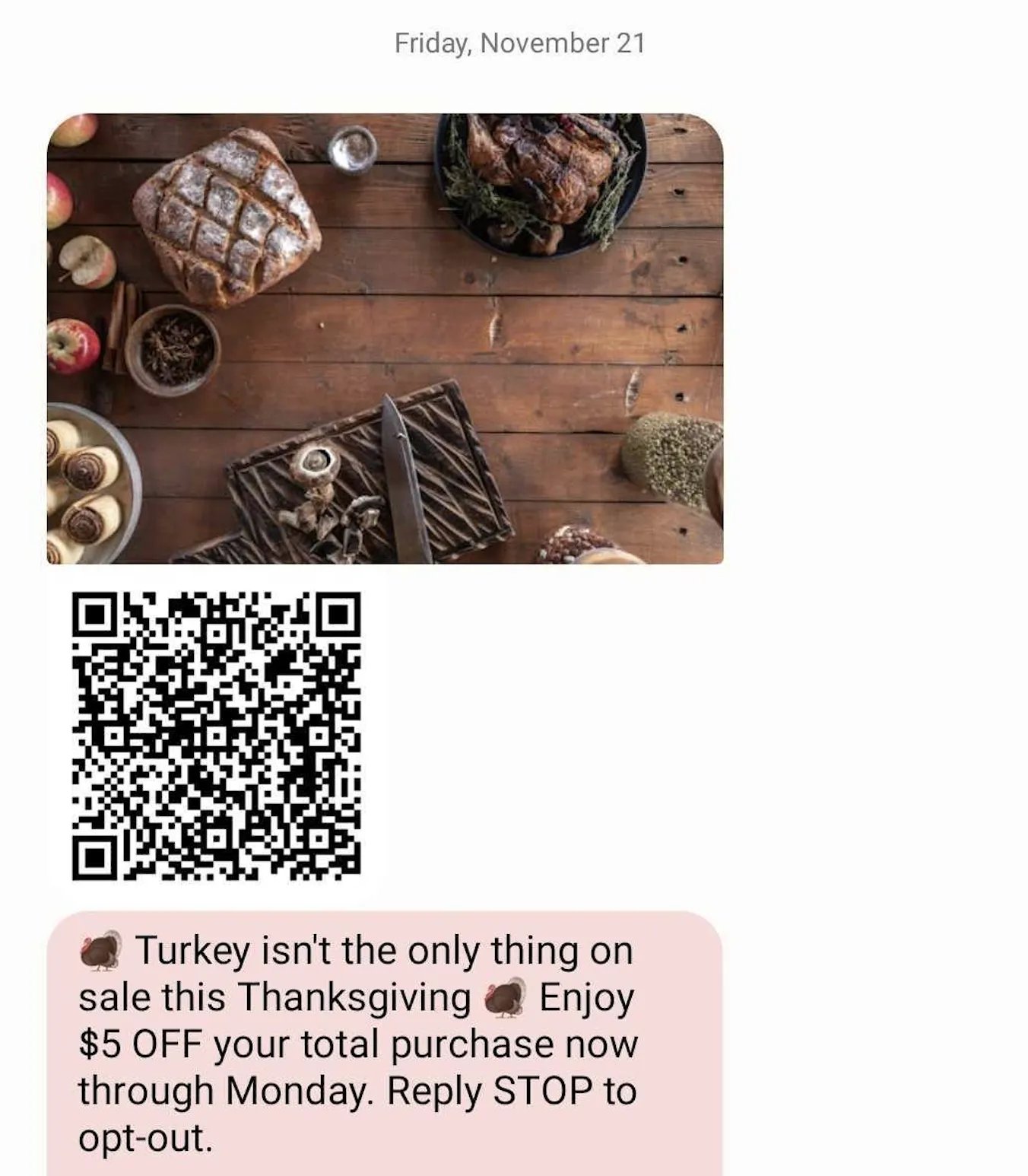
Campaign coupons can be set up for one-time use only, meaning they can be applied to a transaction just once.
To prevent these coupons from being reused, members must sign in to their accounts before the coupons can be applied to their transaction.
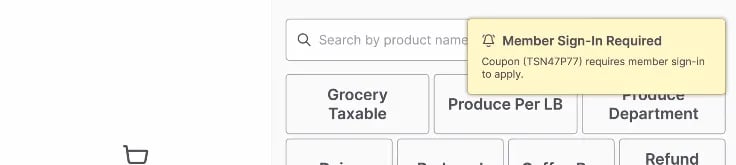
Sign-In Notification If a one-time-use coupon is applied to a transaction and the member has not signed in, the cashier will be notified with a prompt on the cashier screen.\
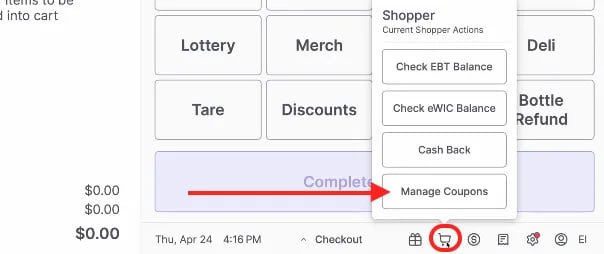
Tracking a Coupon’s Status To view the status of any coupons being applied to the transaction, click the Shopper icon, 🛒, on the bottom of the cashier screen and select Manage Coupons.
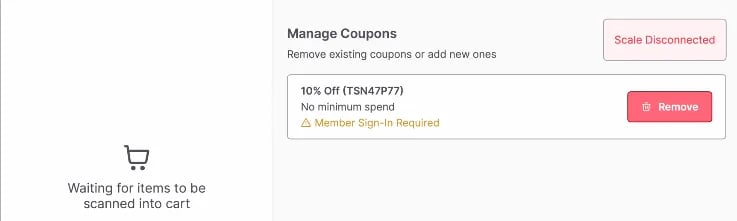
In the Manage Coupons menu on the cashier screen, cashiers can view the status of each coupon and determine whether the member has signed in to apply the coupon successfully.\
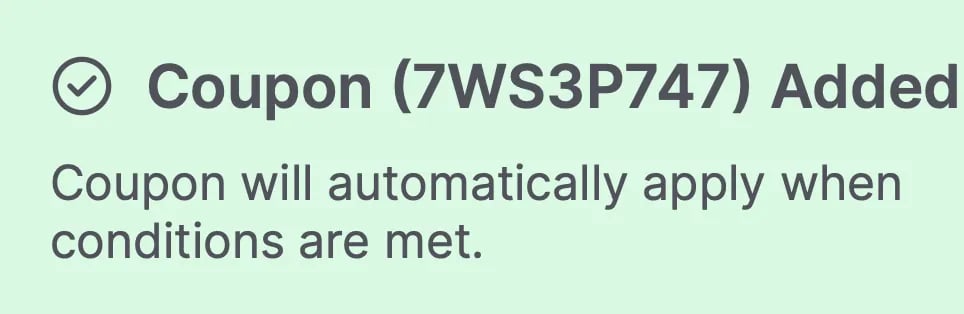
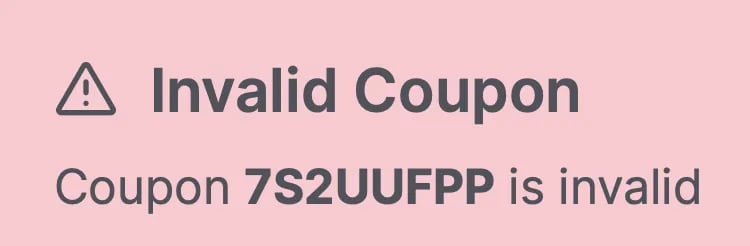
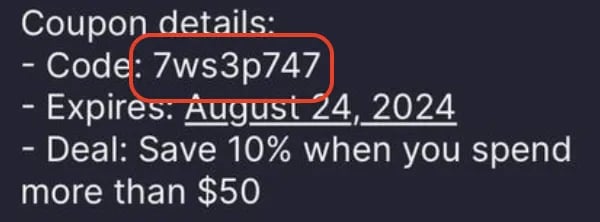
To prevent confusion at checkout, the POS checks for reward eligibility before payment processing. If a shopper attempts to redeem a reward they have not qualified for, the system will display a window titled “Unapplied Offers.” This screen explains why the reward cannot be applied so you can advise the shopper.
“Add eligible items to basket”: The shopper is trying to use an item-specific reward but does not have the correct item in their cart.
“Spend $XX.XX more”: The shopper has not met the minimum purchase amount required for the reward.
How to Resolve
Tap Cancel to return to the cart and add the necessary items to meet the reward requirements.
Tap Continue to proceed with payment without applying those specific rewards.


 This screen explains why the reward cannot be applied so you can advise the shopper.