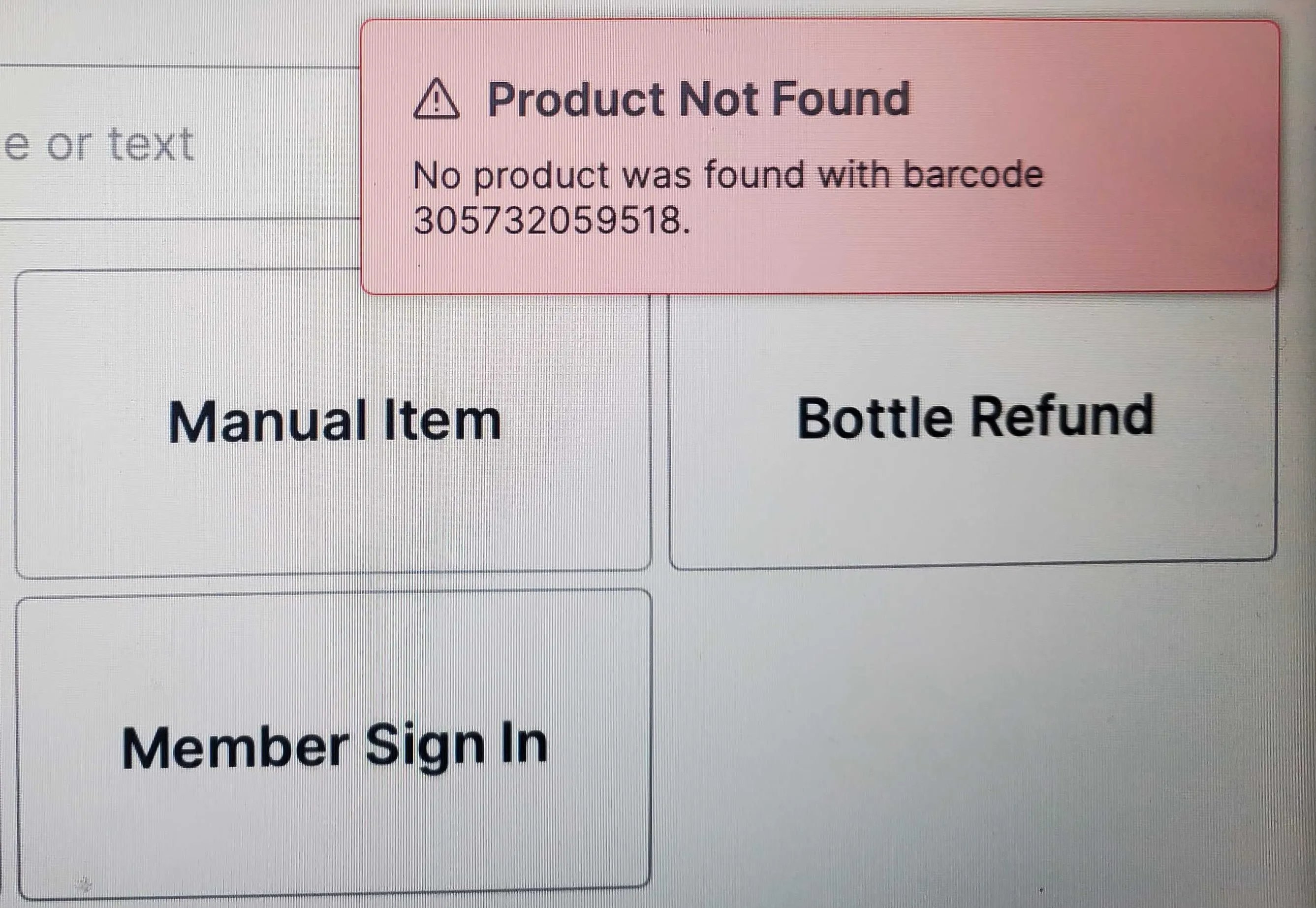
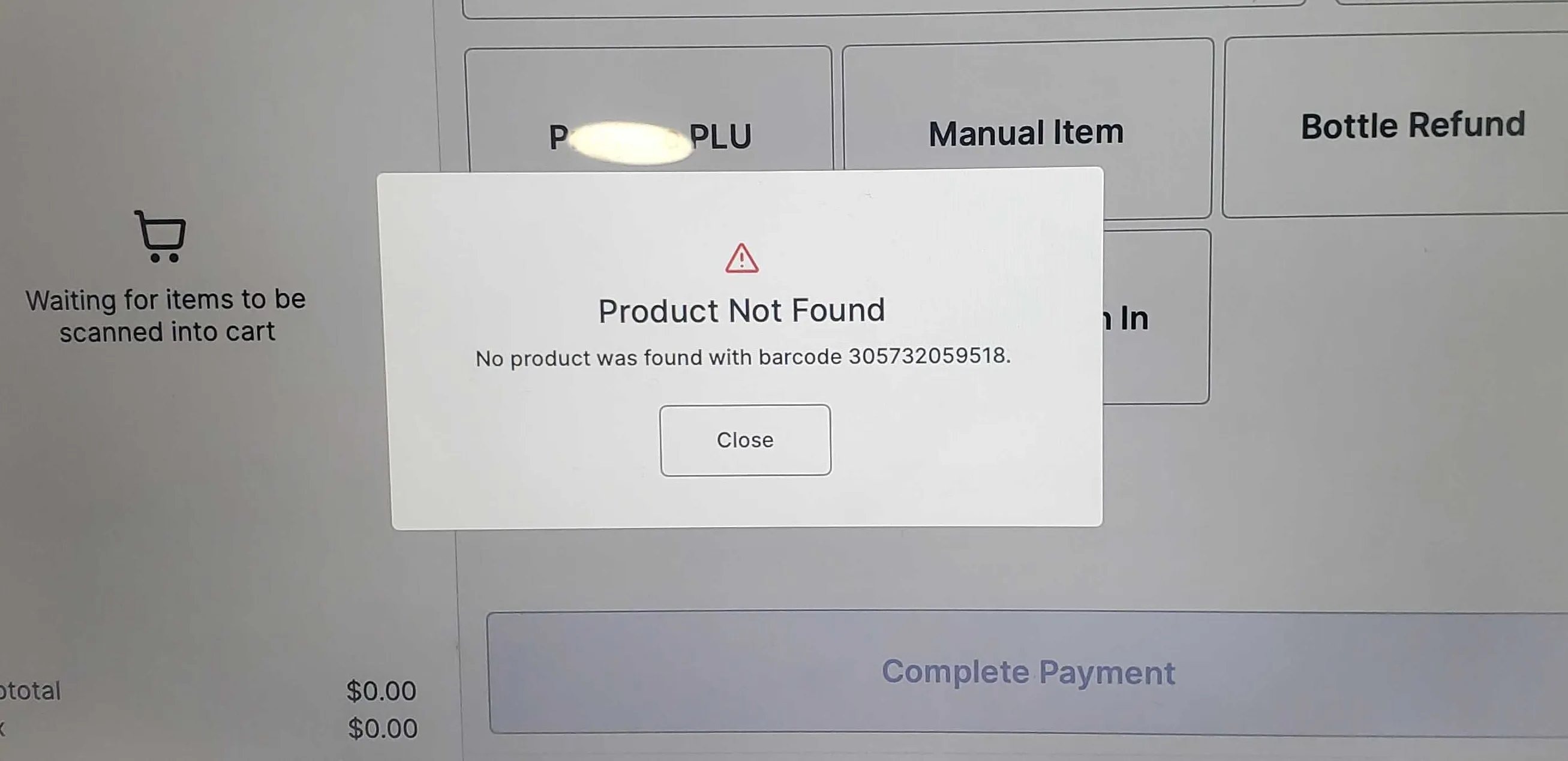
To prevent items from being missed or given away during a transaction, we have updated the workflow for when an item is scanned and is not found in your product catalog.Previously, the Point of Sale system (the POS) would display a small error notification but allow the cashier to continue scanning items.Now, scanning an unknown item triggers a message in the center of the screen that blocks the transaction until the issue is resolved.
When you scan a product that is not found in your system:
The POS will immediately display a blocking “Product Not Found” modal.
The cashier cannot scan the next item until this modal is closed.
If the cashier attempts to scan a subsequent item while the modal is active, the scanner-scale will play a distinct error beep to draw attention to the blocked transaction.
This new mandatory block is designed to work similarly to an Age Verification block. The transaction cannot proceed until the prompt is resolved.
When the “Product Not Found” modal appears, you must acknowledge it before you can scan the next item.
Stop scanning and look at the item.
Review the item and the barcode number listed in the modal.
Click Close on the modal to unblock the Point of Sale system (the POS).
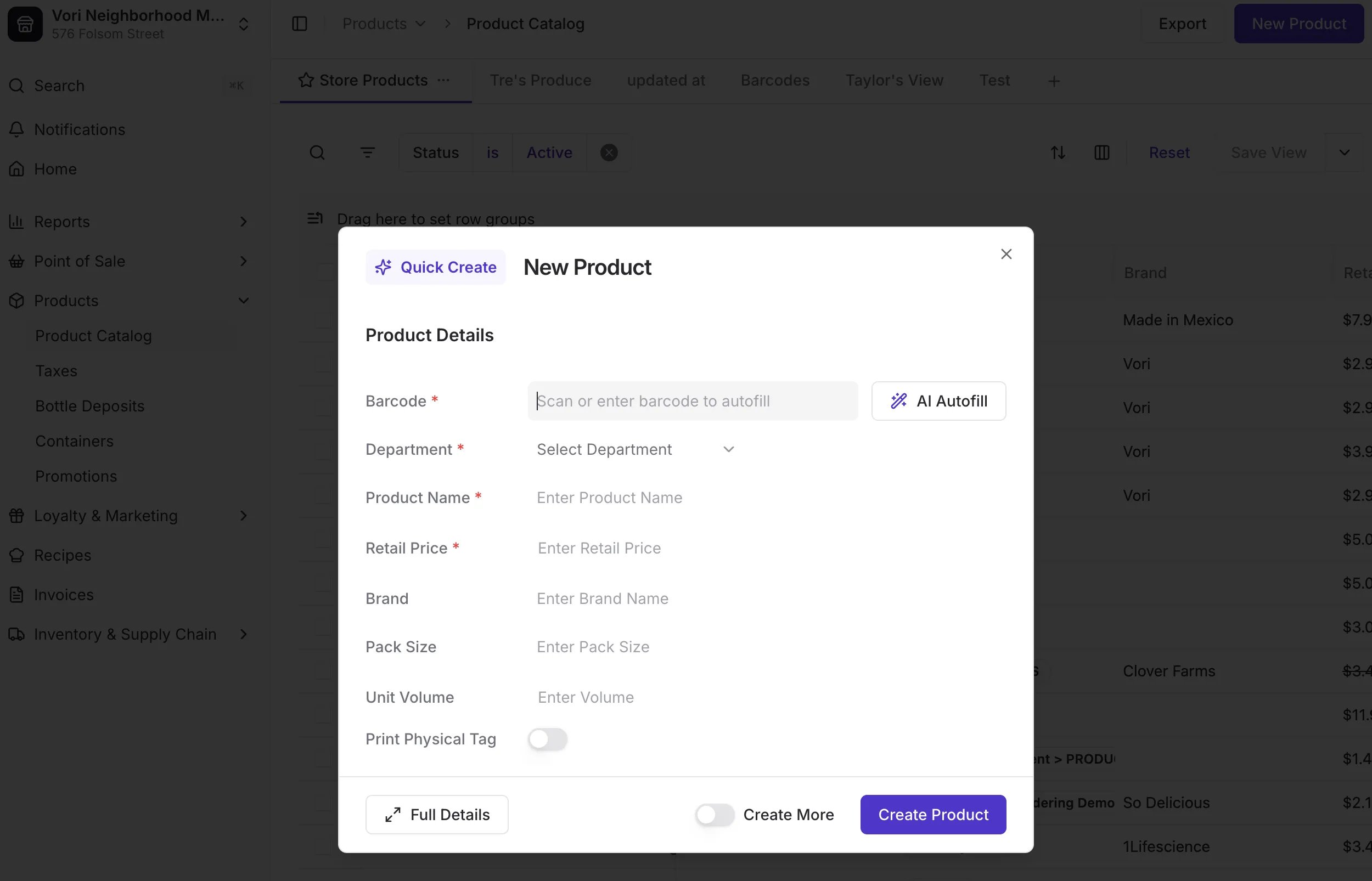
✅ Vori Best Practice: We highly recommend addressing the missing product immediately. This new flow presents an opportunity to keep your catalog accurate and ensure you don’t miss revenue.To immediately resolve the missing product, Vori recommends:
Use the product’s barcode (UPC) to add it to your Product Catalog from either the Back Office or the Vori operating system app.\
For stores that use a separate hand scanner without an integrated scale, the transaction will still be blocked by the “Product Not Found” modal, but there will be no audible error beep when you attempt to scan the next item.We recommend cashiers immediately look at the POS screen after every scan to ensure the item has been added to the basket and that a modal has not appeared.