

Force Close The App
Start by force-closing the app.- Swipe up from the bottom of the screen and pause in the middle.
- Find the Vori operating system app preview.
- Swipe up on the preview to close it.
Using a Store Handheld Vori iPhone
On a Store Handheld Vori iPhone:-
Open the Iru app from the iPhone home screen.
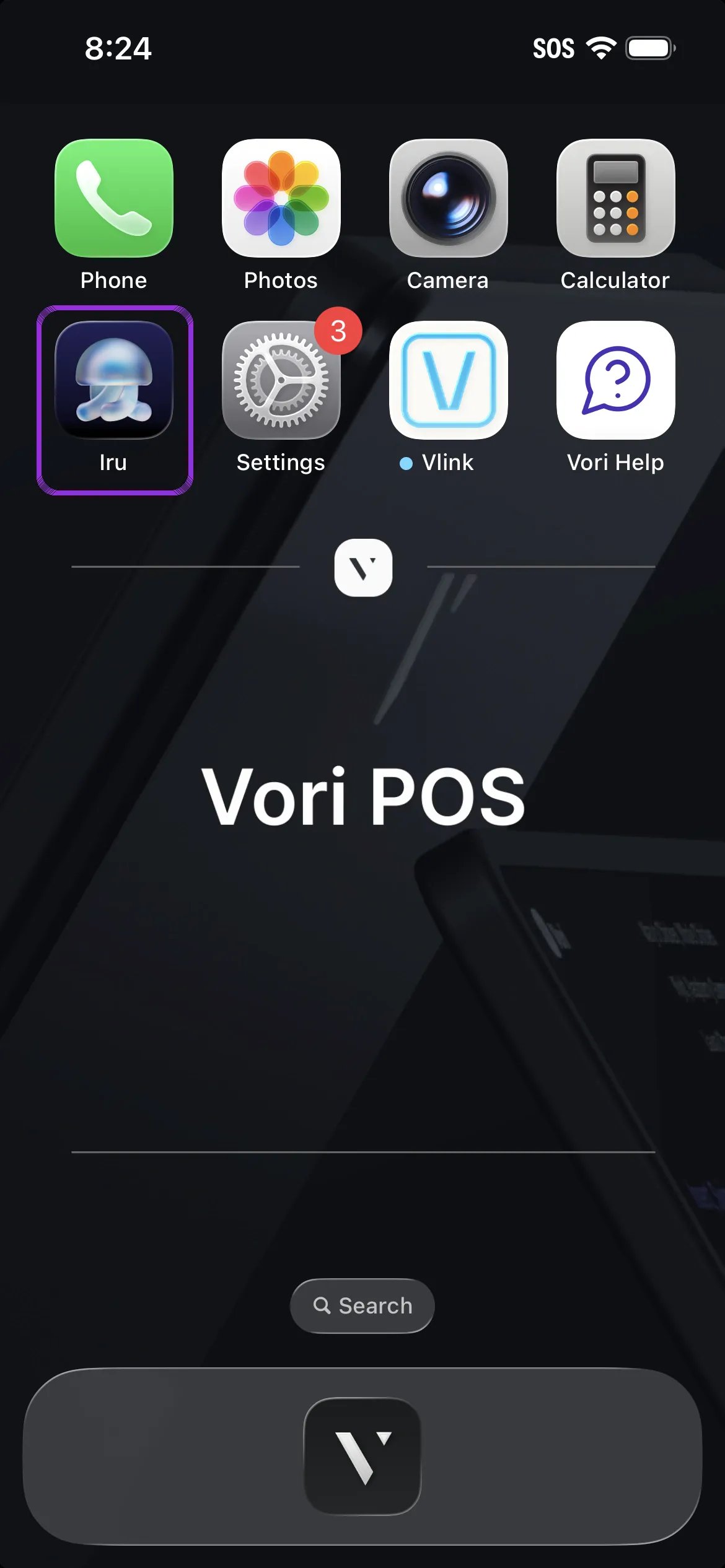
- Tap the Update button that appears next to the Vori operating system icon.
- Once the update is complete, reopen the app and log in.
If You’re Using a Personal iPhone Device
To update:- Open the App Store on your iPhone.
- Search for Vori operating system.
- Tap the Update button.
- Once the update is complete, open the app and log back in.