

Follow the steps outlined below to process these coupons in the current workflow.
Steps
- Add the item(s) to the basket.
- Retrieve the coupon from the shopper.
- Tap Other on the payment screen.
-
Select Manufacturer’s Coupon.
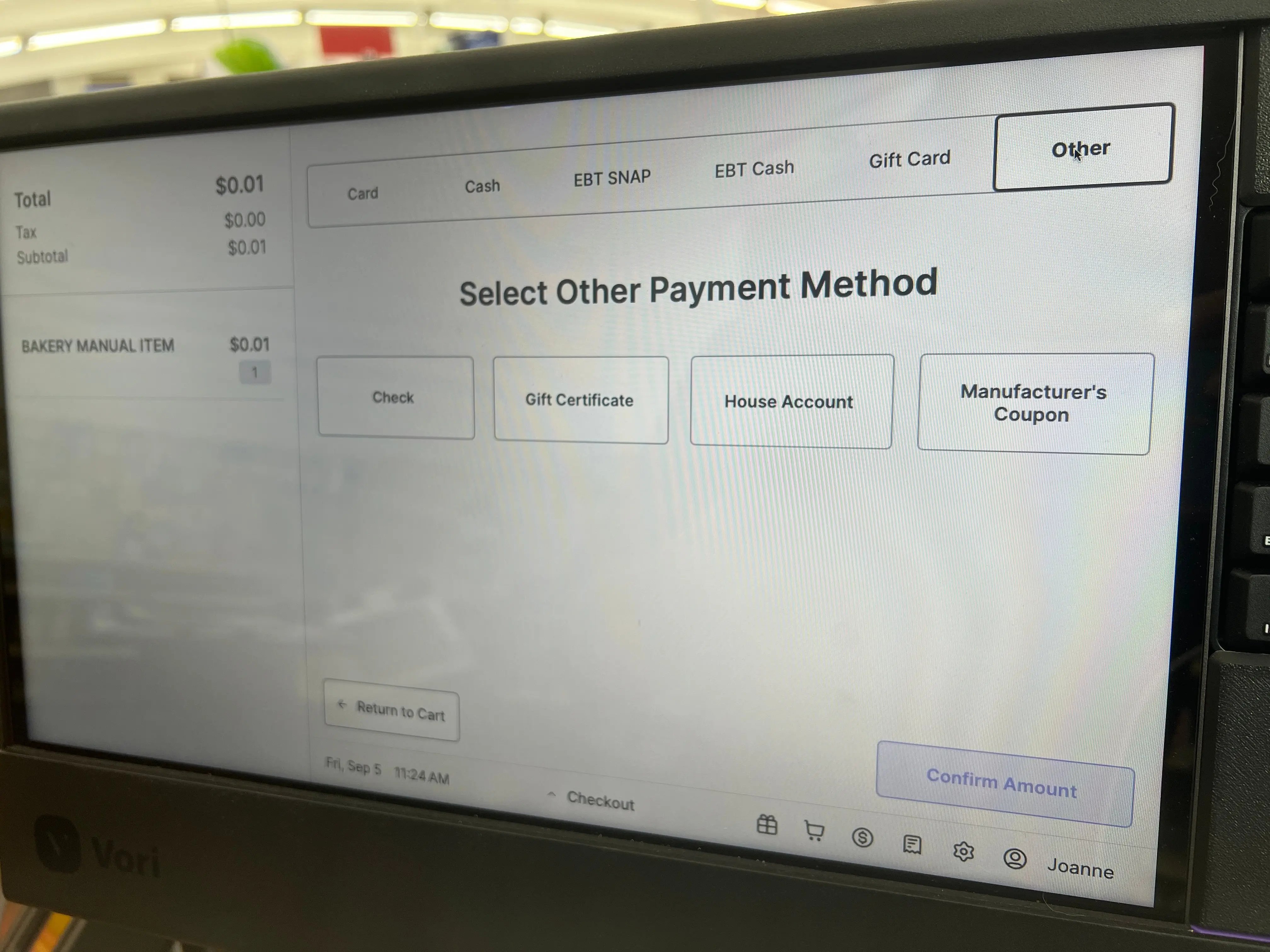
- In the Input specific amount field, enter the value of the coupon.
-
Tap Confirm Amount.
- The cash drawer will open with a message: “Manufacturer’s Coupon $[amount].”
- Retain the coupon to submit to the accounting department for reimbursement.
-
Tap Continue transaction.
- If the coupon value is equal to or greater than the transaction total, the payment will be complete.
- If there is an outstanding balance, you can select another payment method (e.g., Card, Cash).
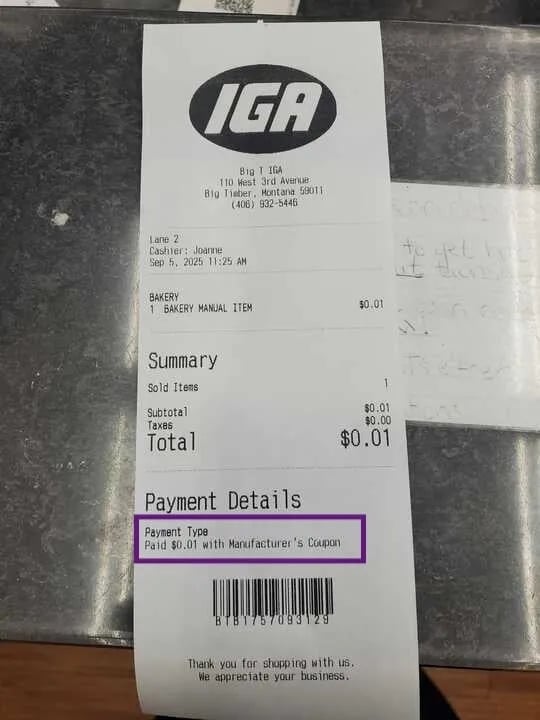
Coupon Value Exceeds Item Price: If a coupon’s value exceeds the item’s price, the cashier will only enter the item’s price into the Input specific amount field. The system will not allow the coupon to result in a negative total. The excess coupon value is not returned to the shopper.