

Introduction
You can update any part of a product—like pricing, name, barcode, or traits—right from the Product Details page in Back Office. While bulk updates are available, this article walks through how to edit a single item.How to Edit an Item
- In the left-hand navigation, expand Products, and select Product Catalog.
- Search for items by UPC, name, or use filters to easily narrow down your selection.
- Hover over the Product Name, tap Open.
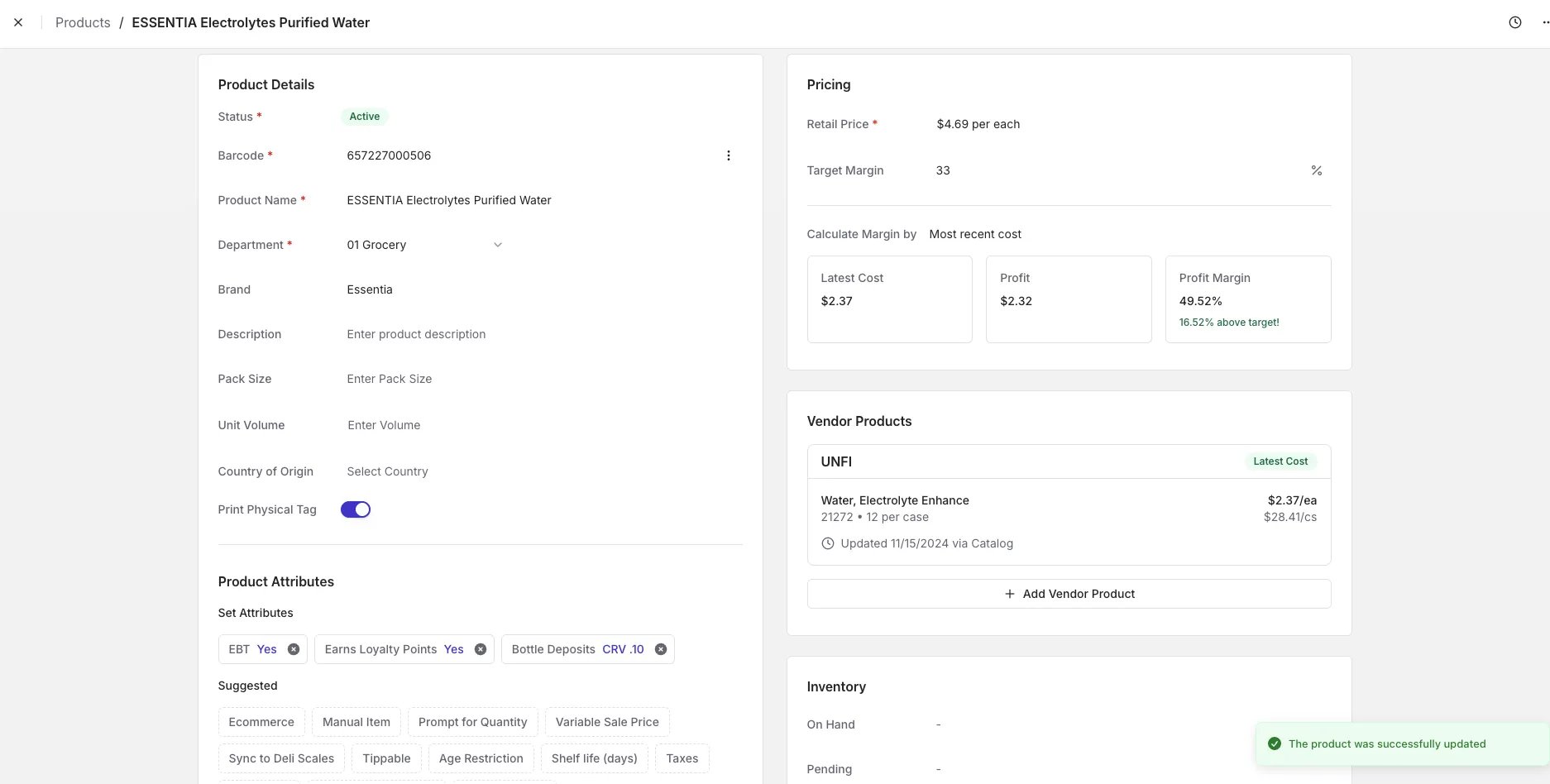
- Update any field you want to change.
- Your changes save automatically. Look for the confirmation pop-up in the bottom-right corner to confirm they’ve been saved.
Price Singles & Multi-Packs Using the Same Barcode
Some stores sell both single units and multi-packs (like 6-pack sodas or beers) under the same barcode. Here’s how to handle this setup in the Back Office:- Set the product’s price per each (e.g., $2.29 for one can).
- Add any applicable bottle deposit attributes.
- Scroll down and enable the “Prompt for Quantity” trait by toggling it on.