

Every product now has a complete change history. You can see what changed, when, and where the change came from — whether a person made the change, a Product Rule applied it, a bulk edit ran, or a Product Group propagated a value to siblings.
Before you begin
- Log in to the Back Office as an Owner or Manager.
- Navigate to Products → Product Catalog and open any product to follow along.
- The History panel is available on every product. There’s nothing to enable.
History captures changes to scalar fields like Retail Price and Target Margin. Linked-relationship changes (Department, Modifiers, Taxes) are not currently included.
Open the History panel
On any product detail page, find the clock icon in the top-right of the page header. Click it to slide the History panel out from the right.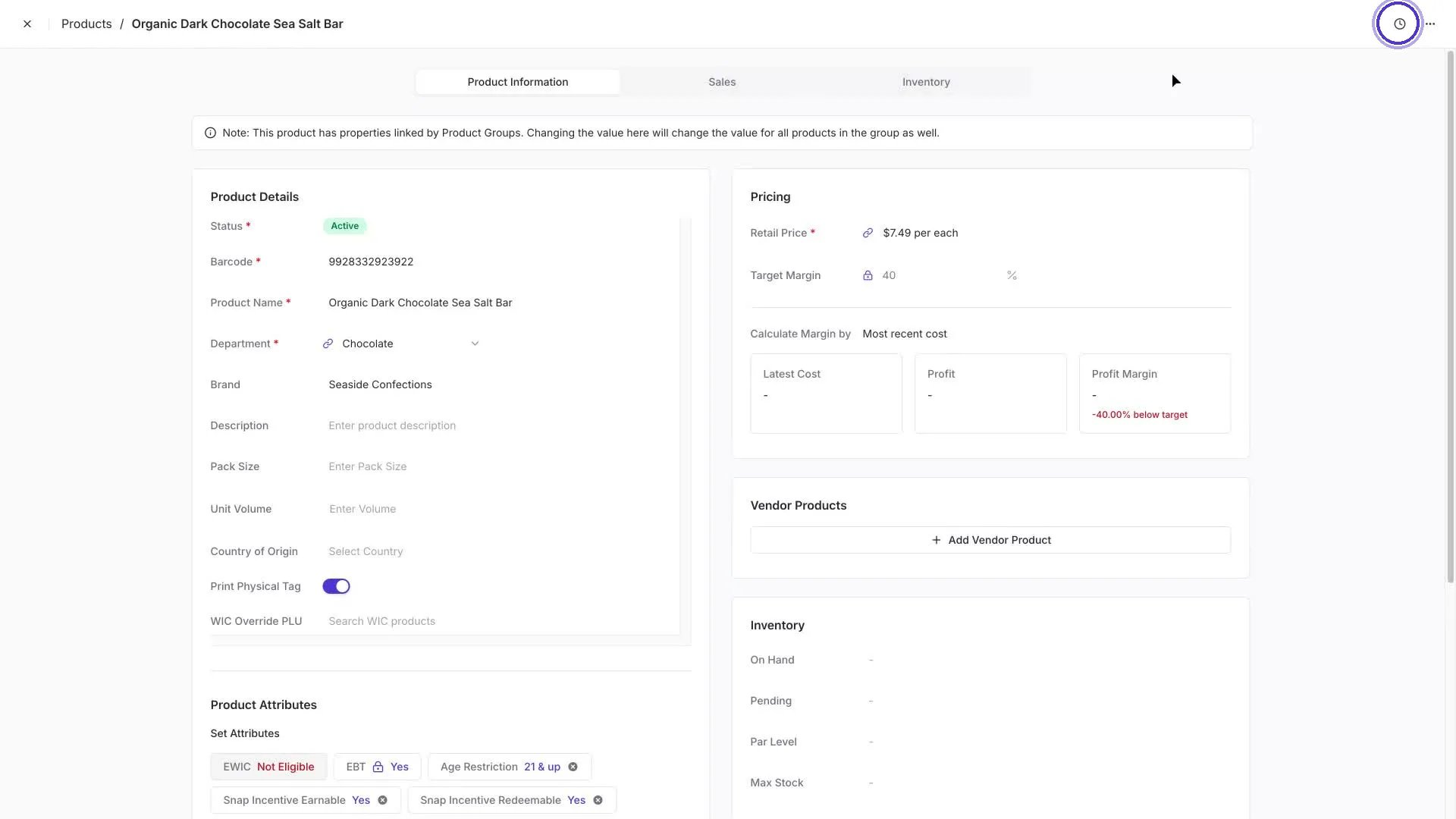
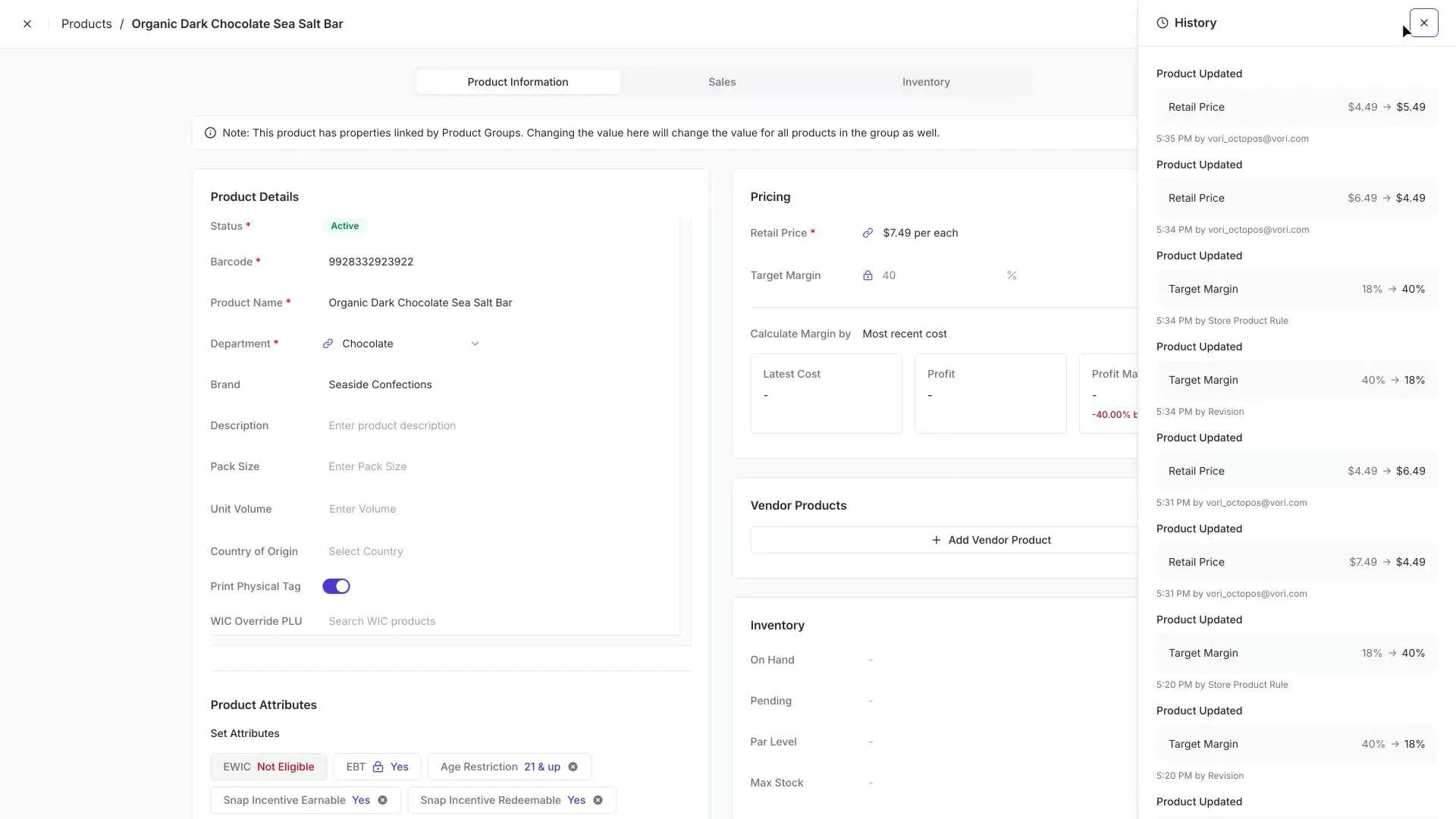
- What field changed — for example, Retail Price or Target Margin.
- The before and after values —
$4.49 → $5.49. - Timestamp — grouped by date, with a precise time on each entry.
- Source — the user, Product Rule, or Revision that made the change.
What gets captured
Every common path you’d use to update a product produces a History entry. Today, three sources can appear on an entry:- Direct edits — when you change a field on the product detail page, the entry shows your email address.
- Product Rules — when a rule sets a value on a matching product, the entry is attributed to Product Rule. Group-link propagation is currently recorded under this source too.
- Bulk edits — when you bulk-edit from the Product Catalog, the entry shows up as a Revision. If a Product Rule controls the same field, the rule re-fires immediately afterward and pulls the value back to its rule-set target — both events are logged so you can see exactly what happened.