

Before you start
- Have the store iPhone in hand and charged, or plugged in.
- Make sure you have a Wi-Fi network with good coverage. A back office or private network works better than public Wi-Fi.
Start the reset
- On the iPhone, open Settings.
- Tap General.
- Tap Transfer or Reset iPhone.
- Tap Erase All Content and Settings.
- Tap Continue, then tap Erase iPhone to confirm.
Walk through iOS setup
Follow Apple’s setup screens until you reach the home screen. Skip everything account-related. The phone re-enrolls with Vori automatically once it’s online.- Language and region: Swipe up to begin, select English, then select United States.
- Appearance: Leave Default checked, then tap Continue.
- Set up: Tap Set Up Without Another Device.
- Wi-Fi: Choose a network with good coverage and enter the password if prompted.
- Enroll in Vori: Wait for “It may take a few minutes to set up your iPhone…”. Once the phone reaches Apple’s servers, it shows that the device is owned by Vori, Inc. Tap Enroll this iPhone.
-
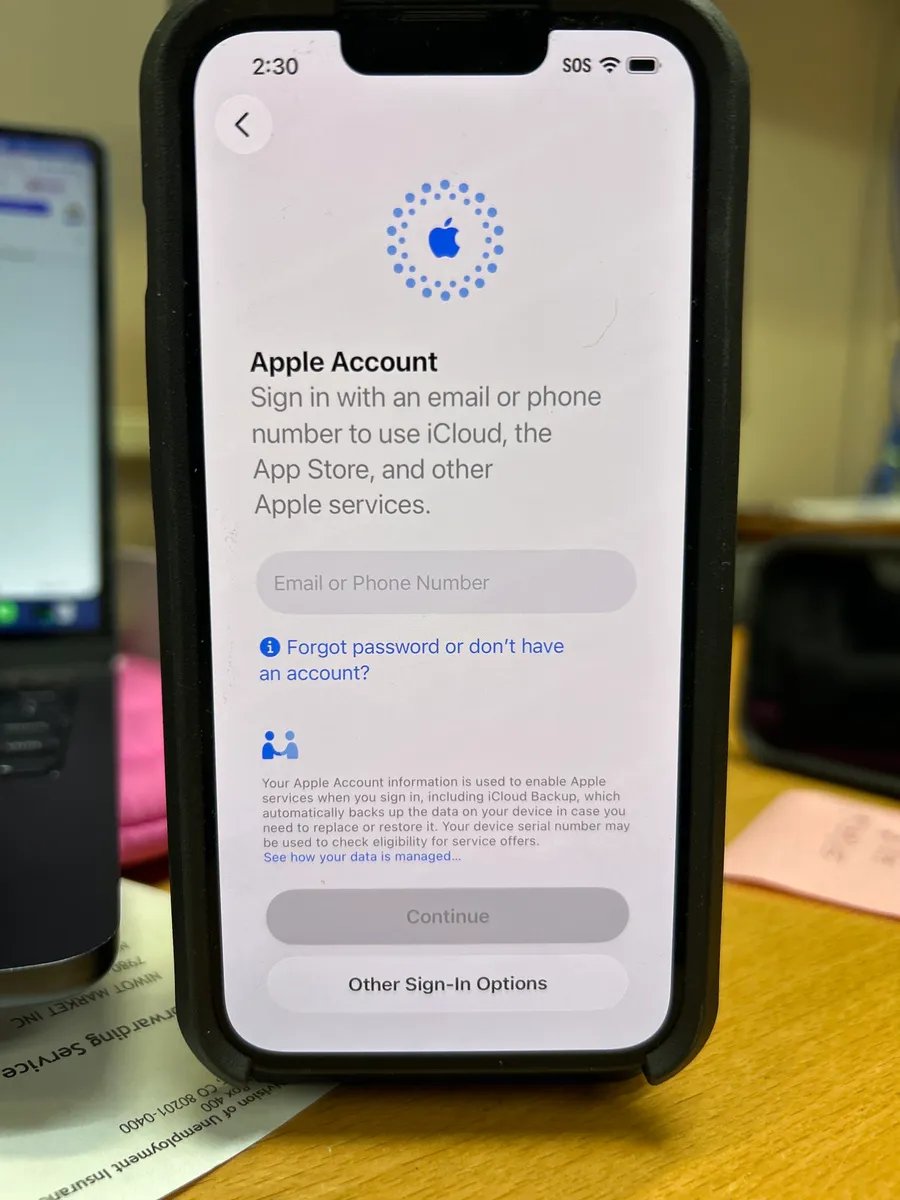
Apple Account: Tap Forgot password or don’t have an account?, tap Set Up Later in Settings, then tap Don’t Use.
-
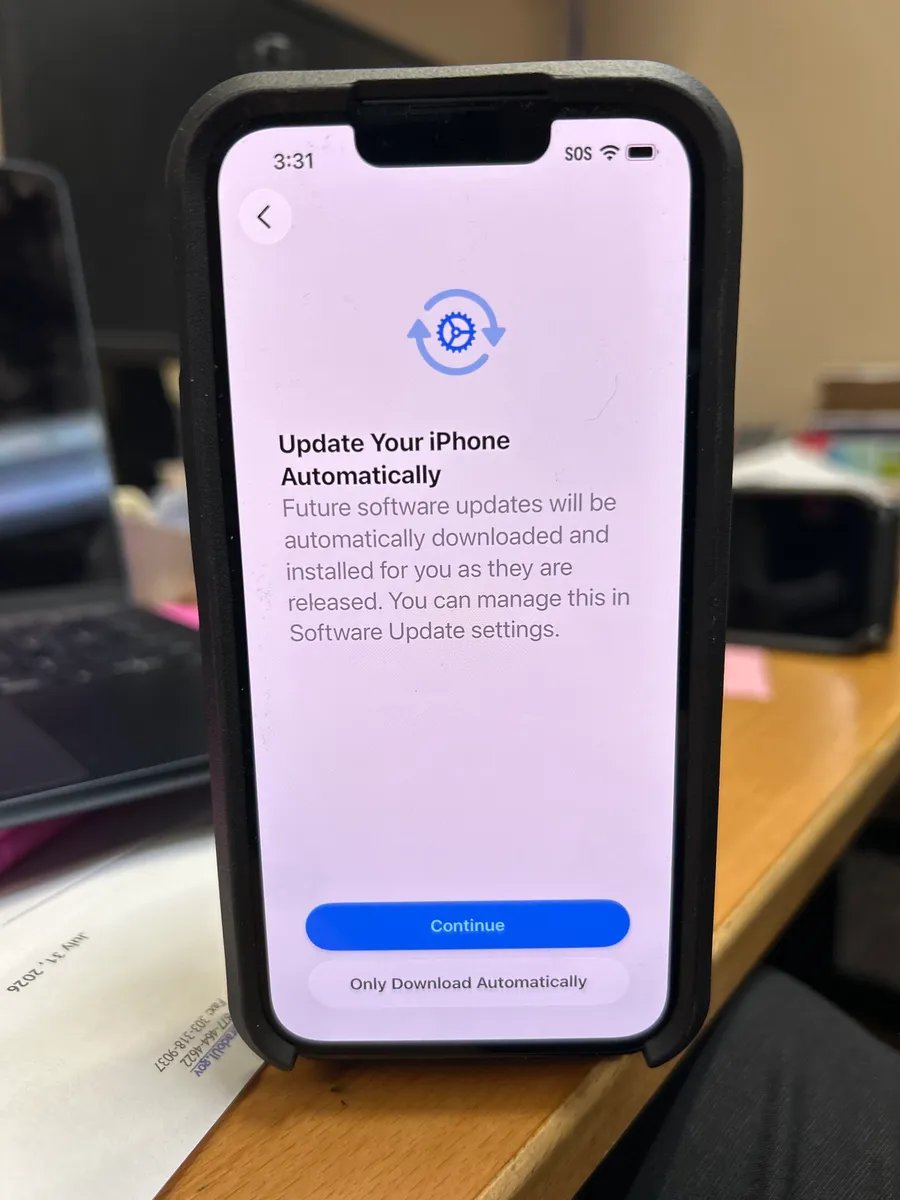
Update Your iPhone Automatically: Tap Continue to accept the default.
-
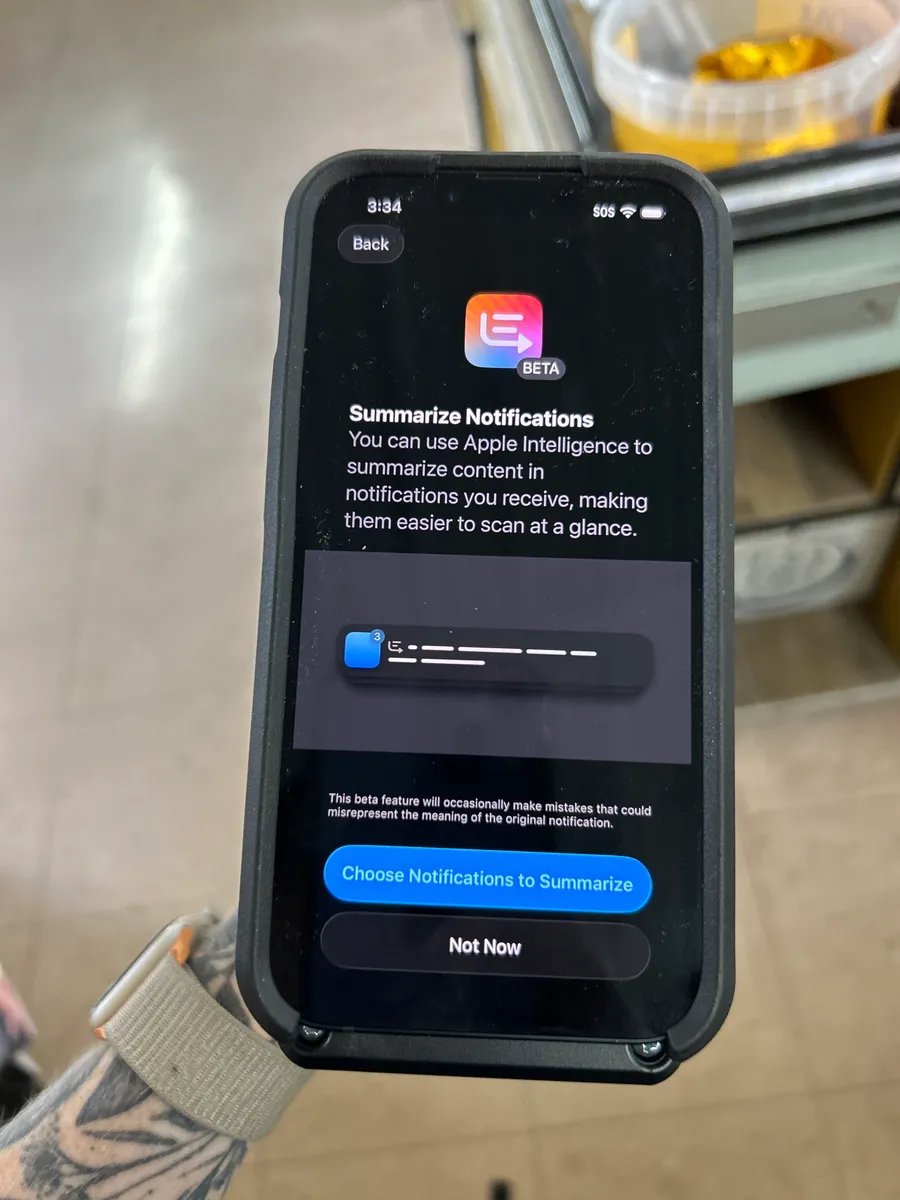
Apple Intelligence: Tap Skip in the top-right corner. Store devices don’t use Apple Intelligence.
- Action Button: Tap Not Now.
- Emergency SOS: Tap Continue.
Finish app setup
The phone downloads its required apps and sets up the home screen and dock automatically. It’s ready once every app is fully installed, with no greyed-out icons or progress overlays. Required apps:Troubleshooting: contact Vori Support
If setup fails, for example the screen showing the device is owned by Vori, Inc. never appears, contact Vori Support through live chat. Have the phone’s serial number ready.- Before setup is complete (no home screen access): Lock the phone, press the side button to wake it, then tap the small ⓘ icon in the bottom-right corner of the lock screen to view the serial number.
- After setup is complete (home screen access): Open Settings > General > About.