

Enabling Tipping for Products
For a shopper to be prompted to leave a tip during a transaction, tipping must be enabled for the specific product(s) in their basket.-
You can set the Tippable attribute on a Product’s Details Page or Department within the Vori Back Office.
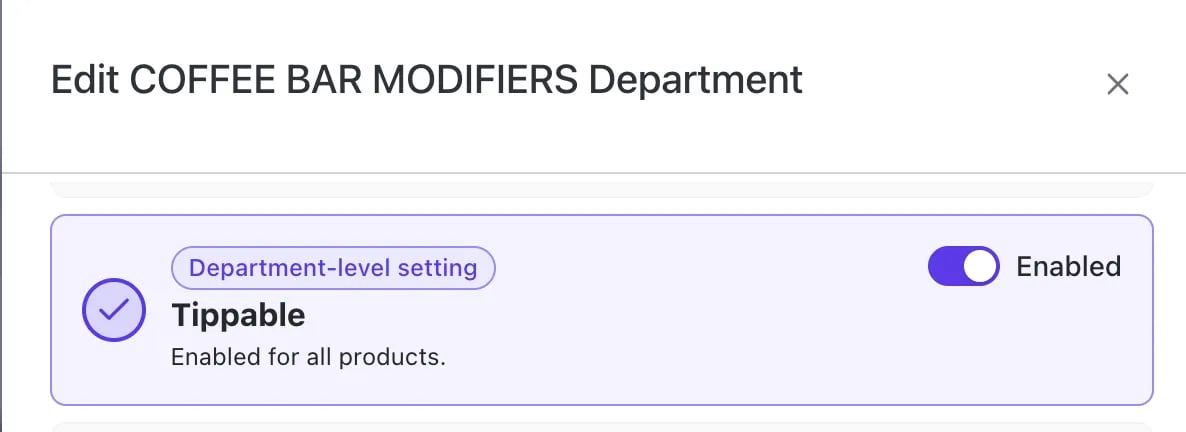
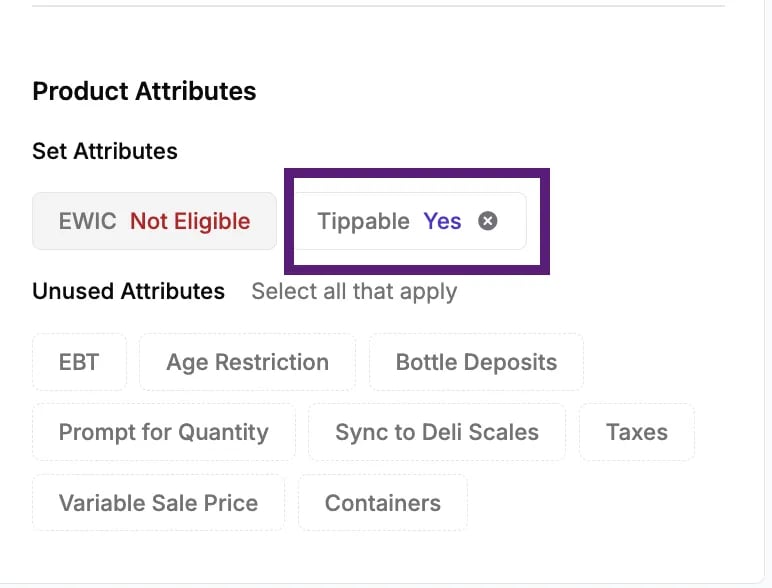
The tip prompt is calculated only based on the total value of items in the basket that have the Tippable attribute turned on.
- If a product is not marked as Tippable, its price will not be included in the calculation for the suggested tip amount.
How the Tip Prompt is Displayed
Once a transaction is complete, the shopper display and the cashier screen will prompt for a tip amount, which is based on the total of tippable items in the basket.-
If the shopper pays with a credit card, the tip prompt will display on the first credit/debit payment made toward the order.
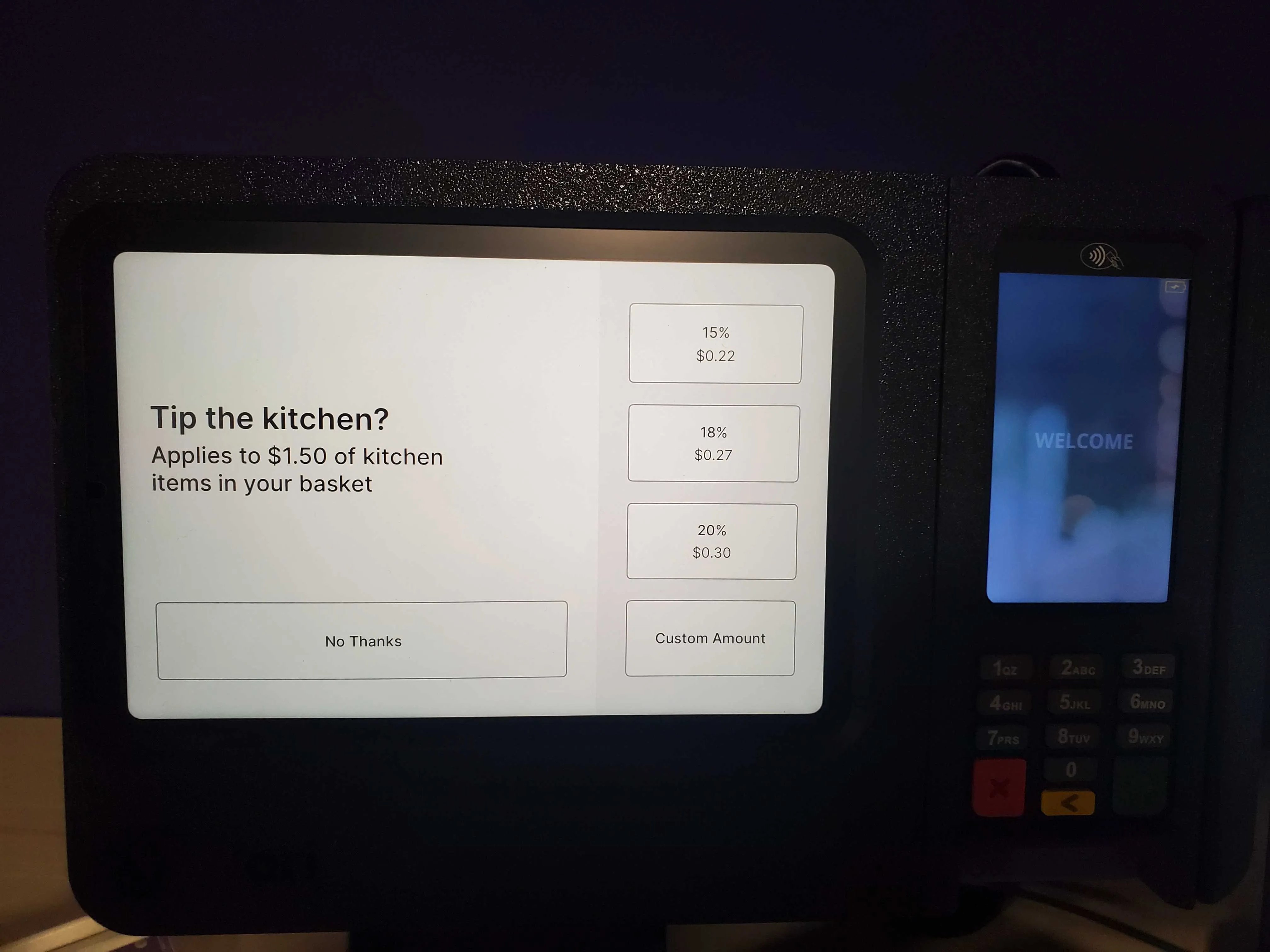
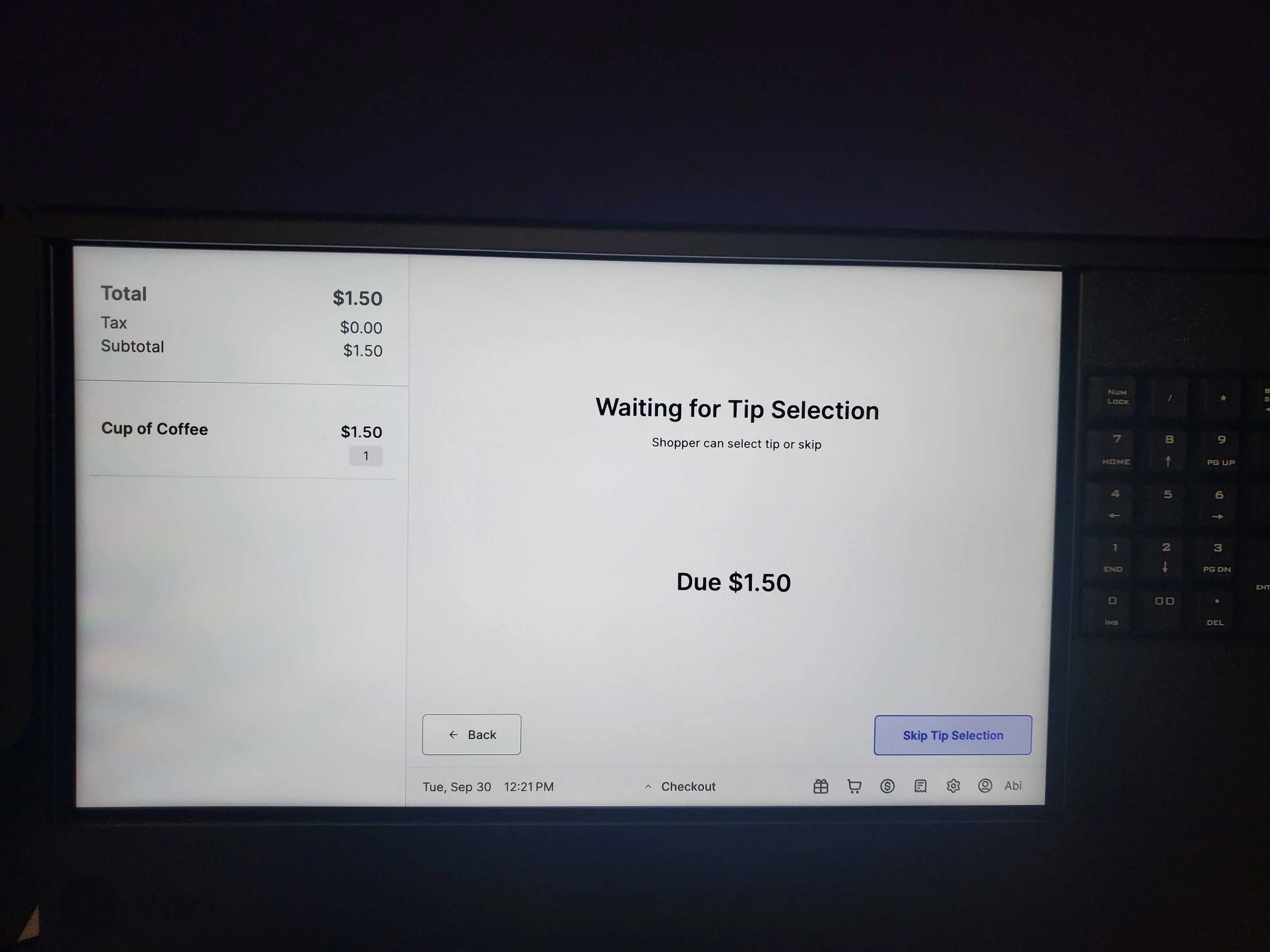
- Subsequent credit payments on the same order will not display the tip prompt.
Tipping and Returns
Tips are returned to the shopper only in specific cases related to product returns.- Tips are returned only when the entire order or the entire list of tippable items within that order is returned.
- Partial tip returns are not supported if only some tippable items from the original transaction are returned.
Tip Payment Methods and Limitations
The POS system supports tips left via credit/debit card payments but has limitations on other payment types.- Cash tips are handled outside of the POS system.
- The POS does not support tips paid for using EBT (Electronic Benefits Transfer) or EBT cash funds.