

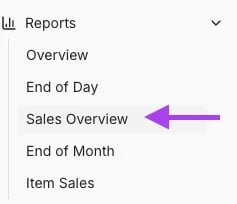
Navigate to Sales Overview
-
Go to Reports, and select Sales Overview from the drop-down.
-
Choose the desired date range and view Transaction Count\

-
You can see total transaction count per day, day of week, and by hour.

Spot traffic patterns and understand when your store is busiest.