View the Connection Status
To identify the issue, review the live weight display in the top right corner of the cashier screen.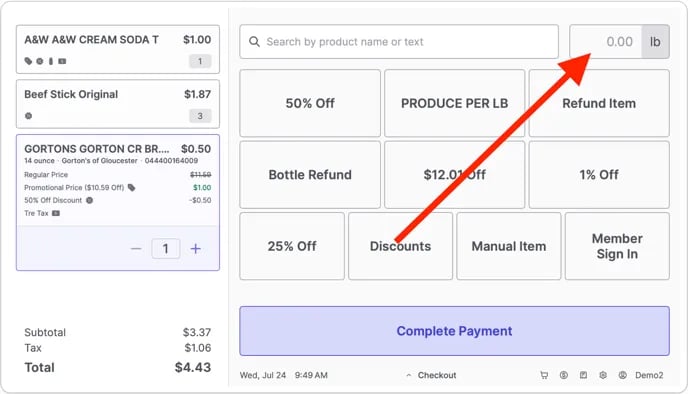
- Numerical display (e.g., 0.00lb). The scale is communicating normally.
- Scale not ready. The POS is detecting interference. The system will block use until the weight becomes stable.
- Scale disconnected. The POS is unable to communicate with the scale.
Troubleshoot “Scale Not Ready”
This error message displays when the scale detects fluctuating weight or debris.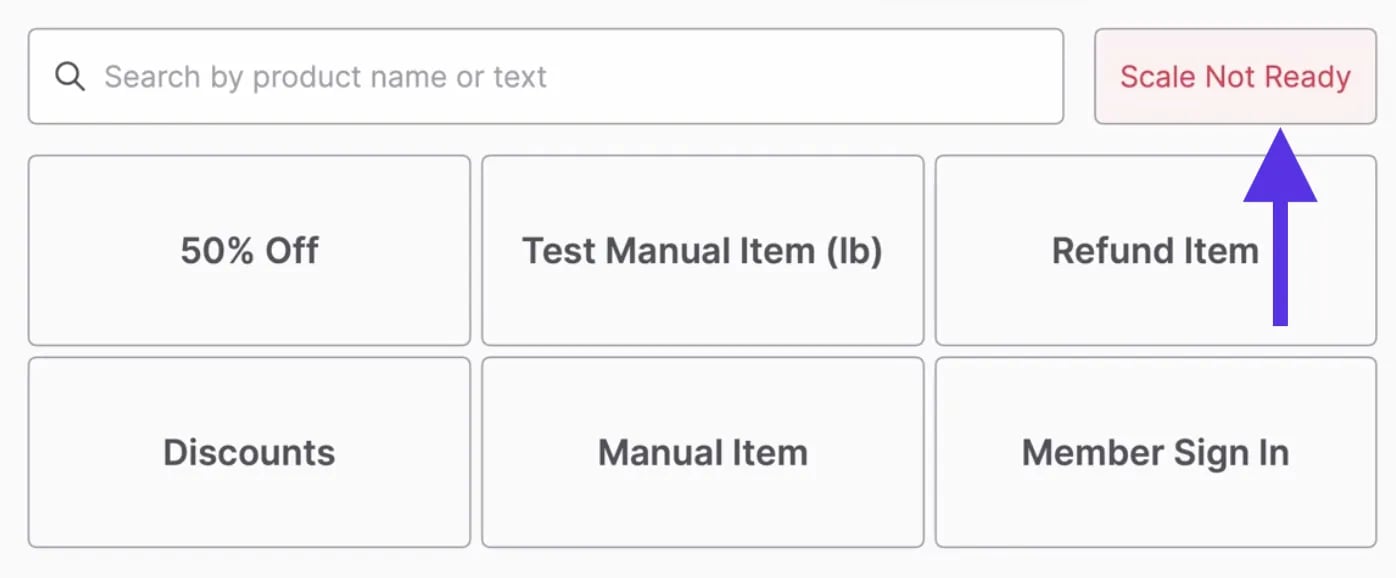
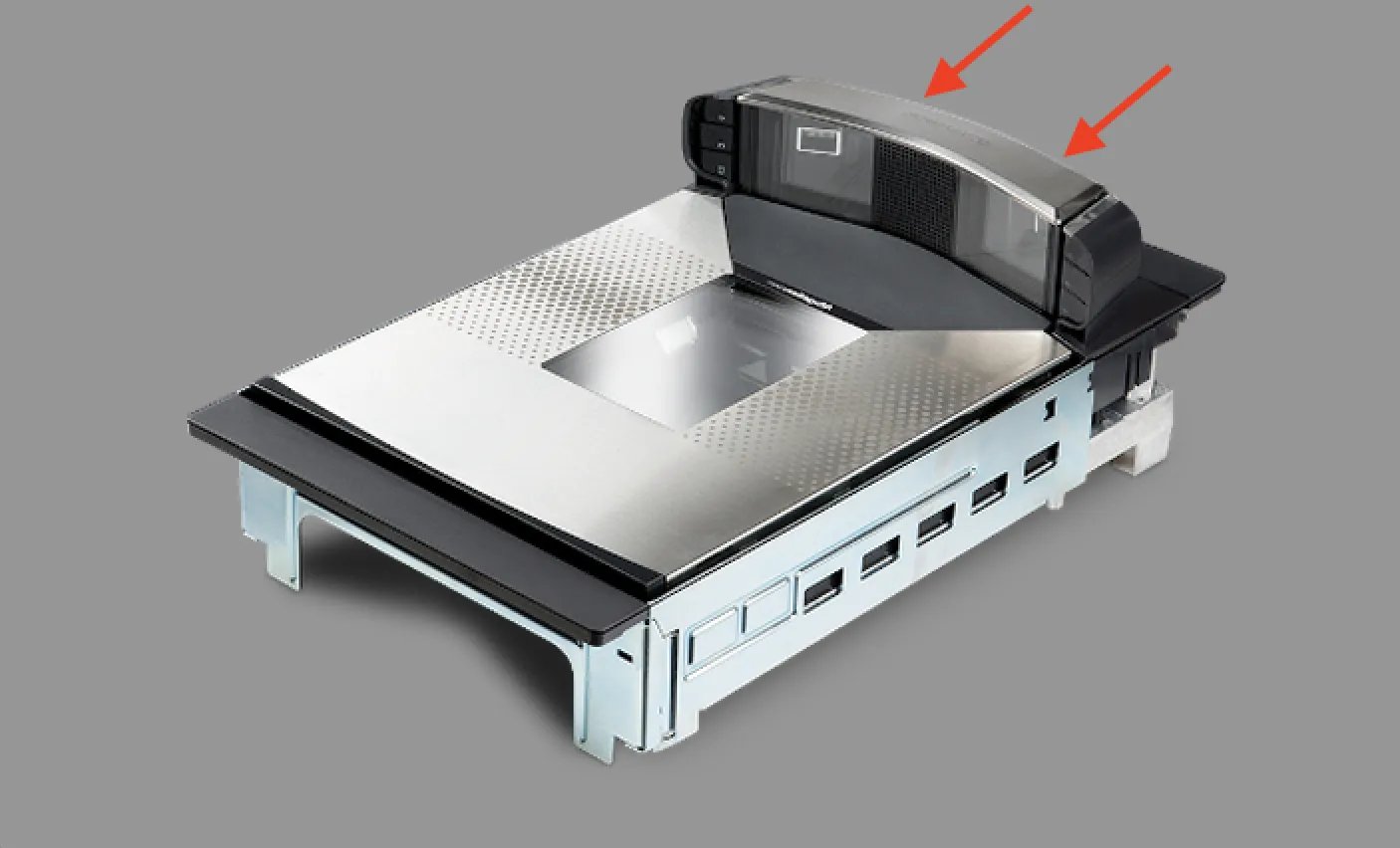
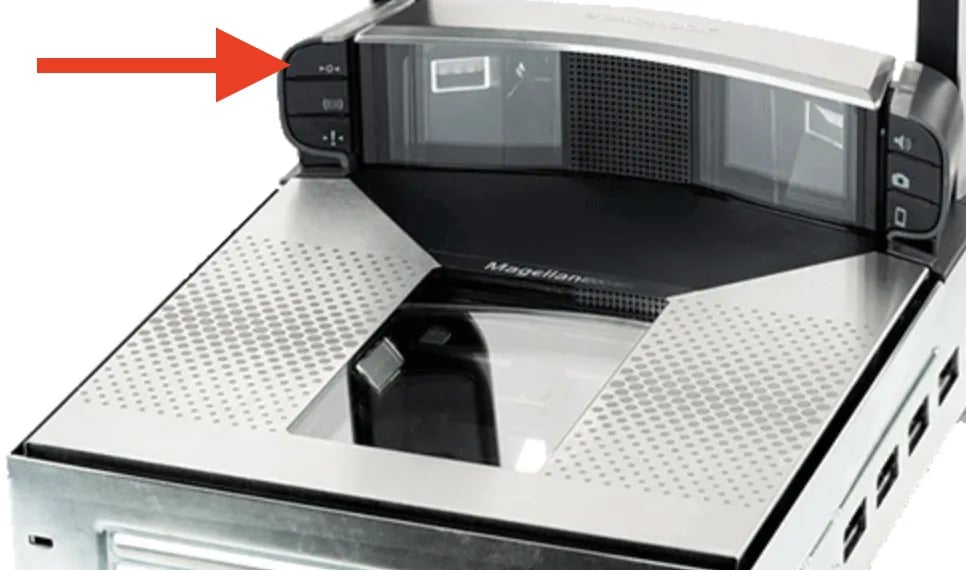
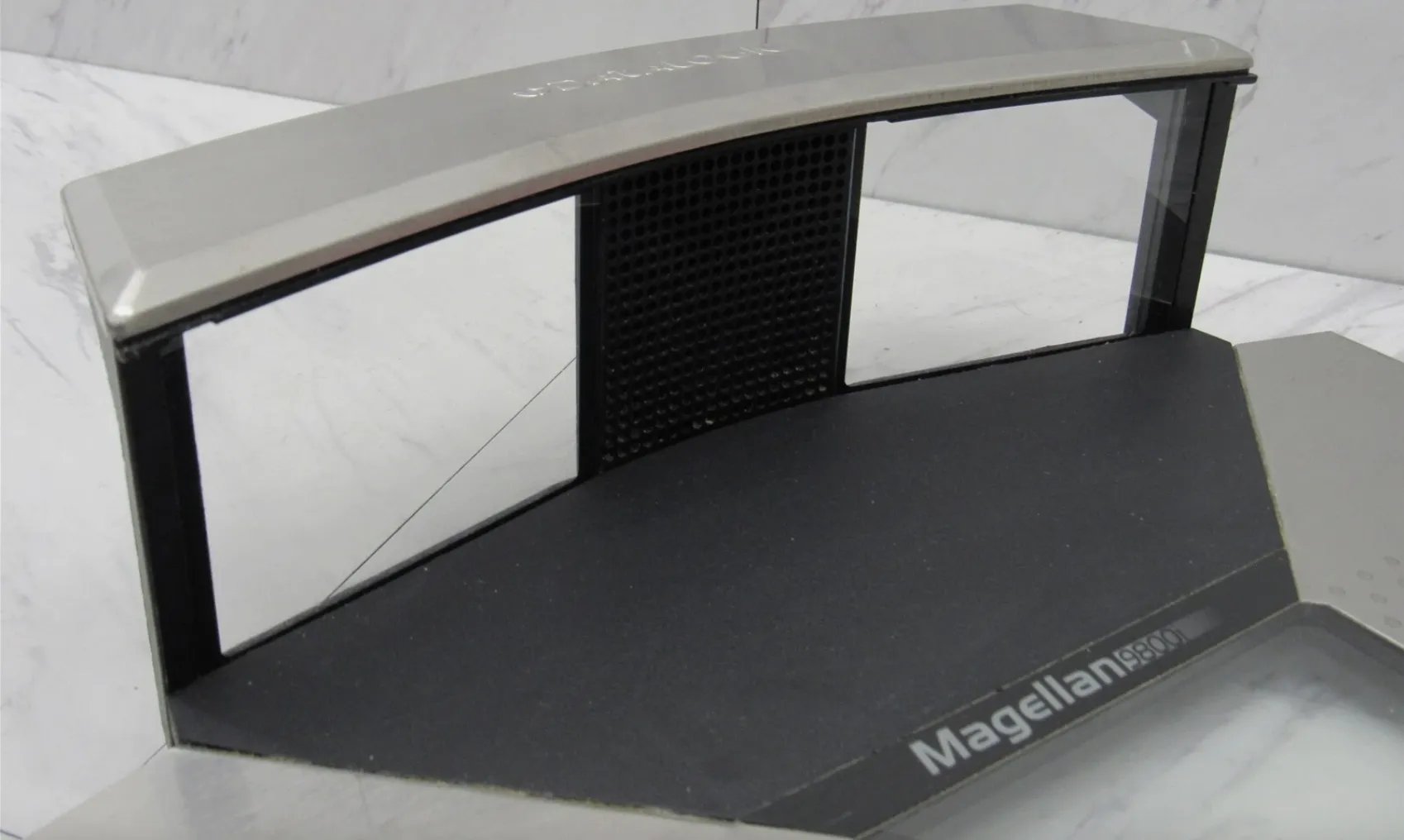
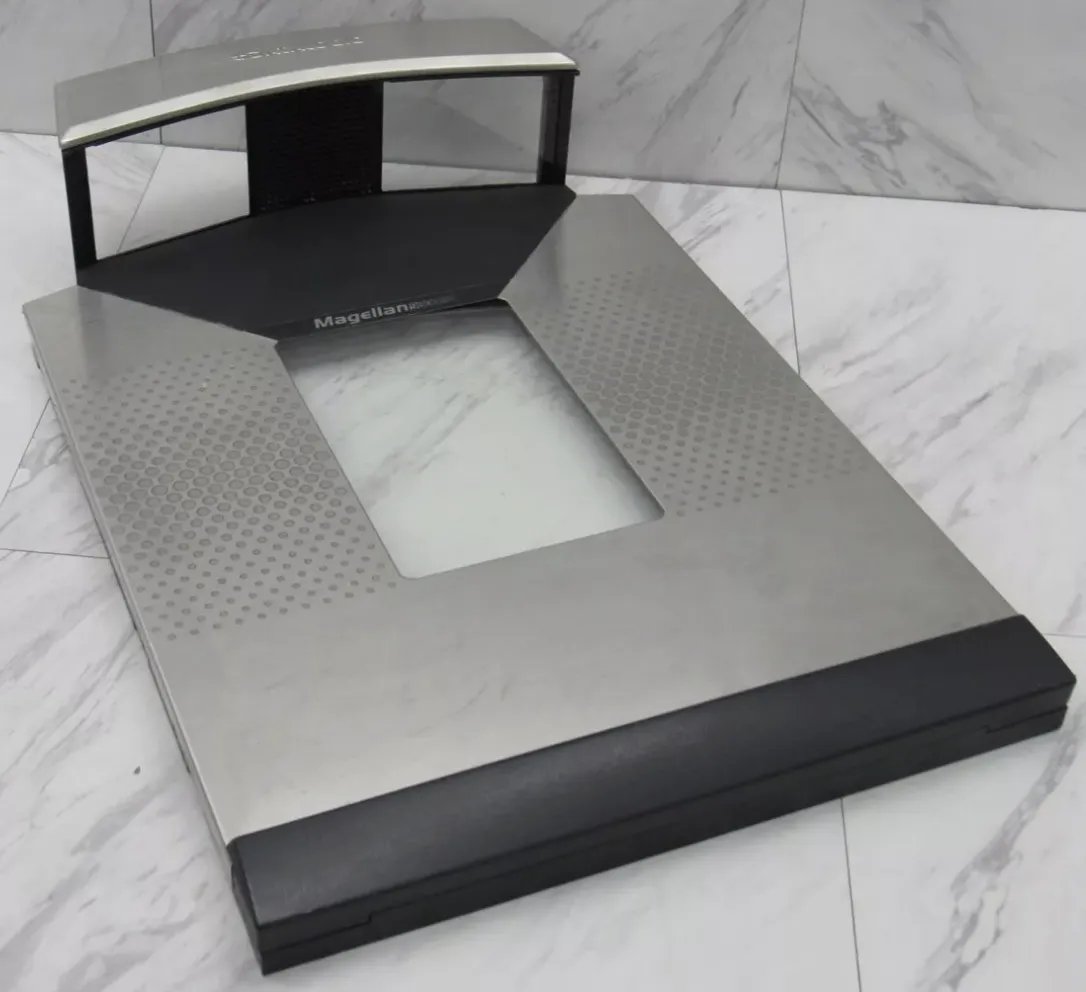
 4. Check for debris** Lift the weight plate off the scale. Remove any debris (such as crumbs or ties) that may have fallen underneath. Place the weight plate back on the scale, ensuring it is flush and fully aligned with the sensors. Press the zero out button on the scale again after the weight plate is replaced.
Troubleshoot “Scale Disconnected”
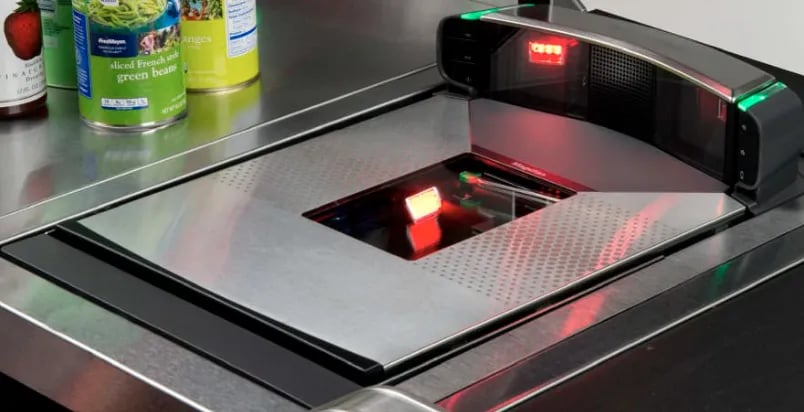
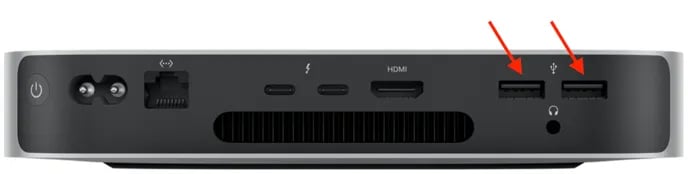
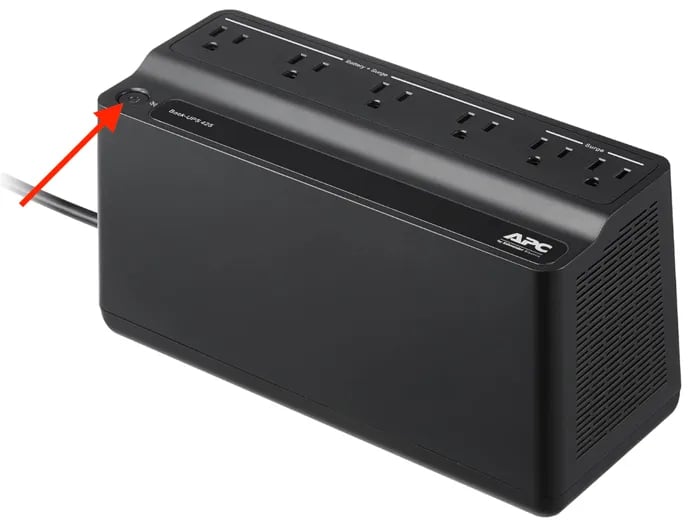
If the live weight display shows the error message “Scale disconnected”, the POS cannot communicate with the hardware. 1. Check the power Verify the scale is turned on. The barcode scanner lights or back indicator lights should be illuminated. If not, ensure the power cable is securely connected under the counter.