Use the SNAP incentives CSV report emailed to your store to complete the Mississippi Supplemental Nutrition Assistance Program (SNAP) metrics form. The form asks for totals across the reporting period, so you will add the matching columns in your report and enter those totals into the form. For a broader walkthrough of the report in Vori Back Office, see Track Double Up Food Bucks Performance.

Before you start

  • Open the SNAP incentives CSV report emailed to your store.
  • Confirm the report covers the same dates as the Mississippi reporting period.

Fill out the Mississippi form

  1. In Excel or Google Sheets, add a SUM formula at the bottom of each report column listed below.
  2. Enter each total into the matching Mississippi form field.
  3. For Tracking Transactions Using Incentives, select Able to track.
  4. Submit the form after confirming the totals match your reporting period.
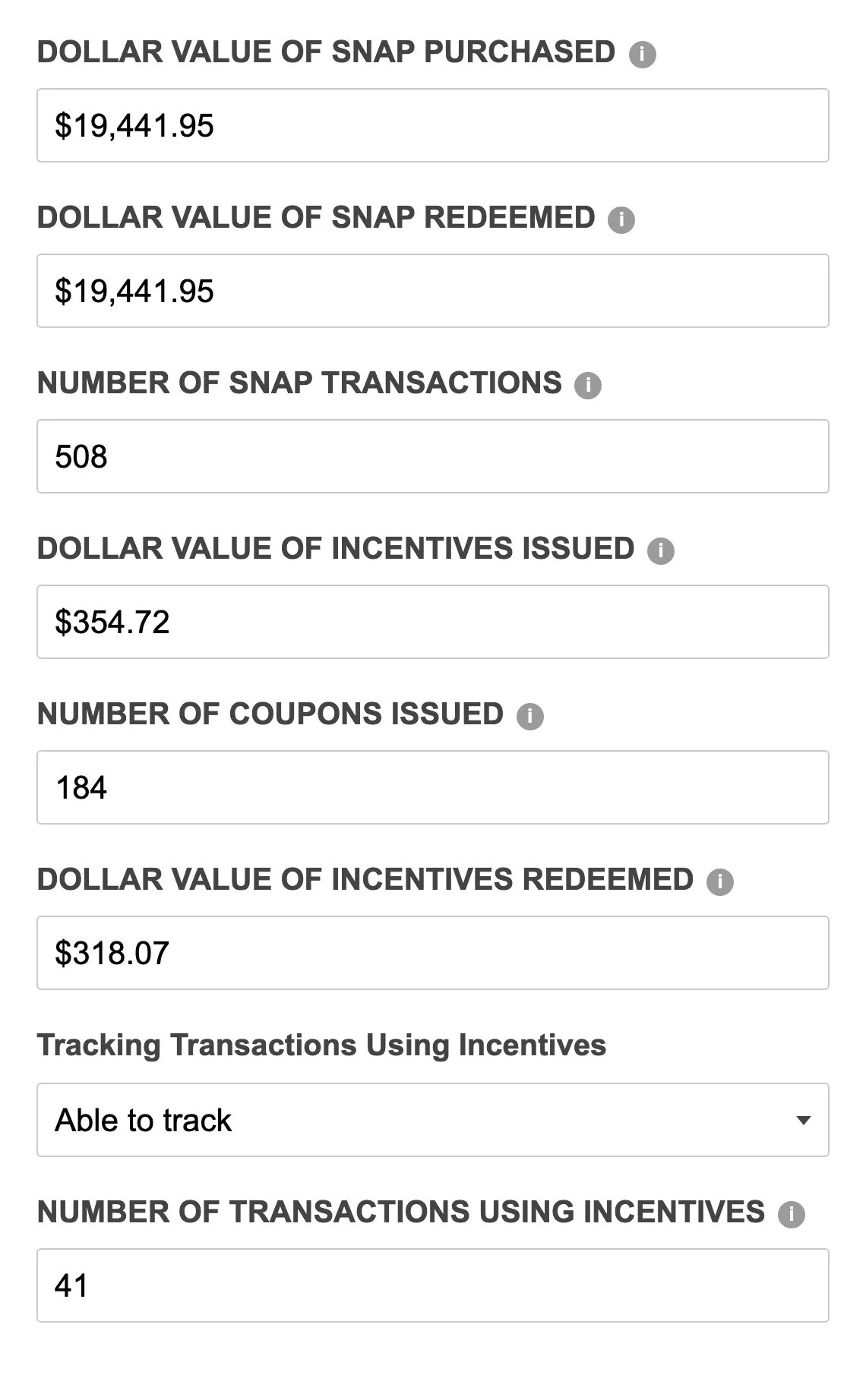
Mississippi SNAP metrics form with example values filled in The values shown in the example form are illustrative only. Use the totals from your store’s report.

Map report columns to form fields

Mississippi form fieldUse this report columnWhat to enter
Dollar value of SNAP purchasedDollar value of SNAP SalesSum the column and enter the total.
Dollar value of SNAP redeemedDollar value of SNAP SalesLeave this blank if the form allows it. If the form requires a value, enter the same total used for Dollar value of SNAP purchased.
Number of SNAP TransactionsNumber of SNAP transactionsSum the column and enter the total.
Dollar Value of incentives issuedDollar value of Incentives issuedSum the column and enter the total.
Number of coupons issuedNumber of Incentives IssuedSum the column and enter the total.
Dollar Value of incentives redeemedDollar value of Incentives RedeemedSum the column and enter the total.
Number of transactions using incentivesNumber of Incentives redeemedSum the column and enter the total requested by the form.

Check your totals

  • Dollar fields should be entered as currency totals.
  • Count fields should be entered as whole numbers.