

Confirm your POS is set up for eWIC
Once your store is approved, Vori will help ensure your POS is configured to process eWIC payments.- Your POS will be registered with your state’s eWIC processor (FIS or Conduent).
- eWIC will be enabled as a payment method on the Shopper Display so customers can use their eWIC card during checkout.
- Your payment terminals will be updated to recognize eWIC card BINs.
If you’re not yet approved for eWIC, view the full guide: How to Apply for eWIC.
Your eligible products are automatically enabled
Once setup is complete, all products listed in your state’s Approved Product List (APL) will be automatically enabled for eWIC in your Product Catalog.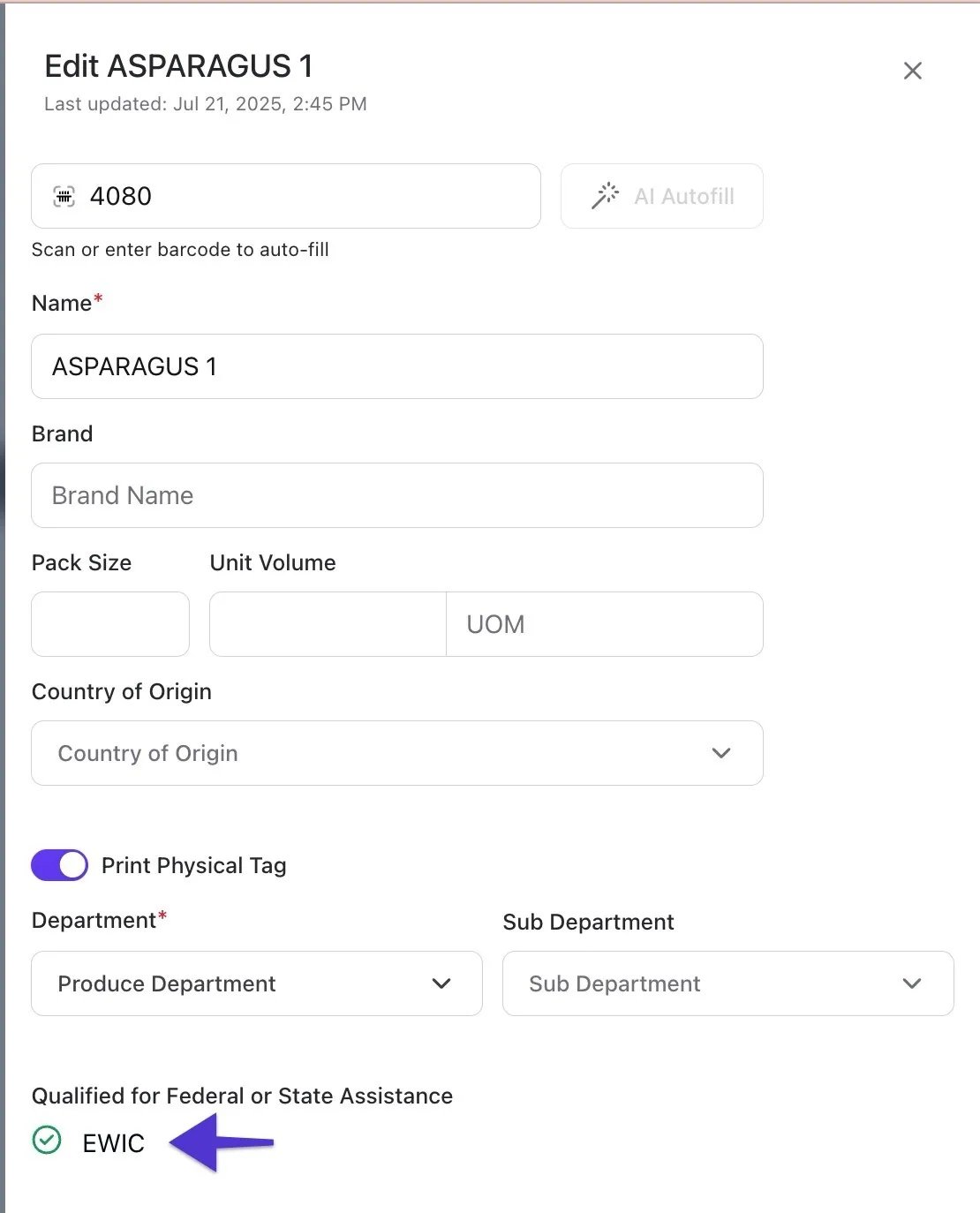
How eWIC updates work
eWIC item eligibility and pricing logic update automatically—there is nothing the retailer needs to manage.- Item eligibility is updated daily based on the state’s APL.
- No pricing updates are required from your store.
- Your POS applies WIC pricing in real time during the transaction.
If an item is in the state’s APL, it will automatically be eligible in Vori.
Ways to expand your eWIC catalog
You can make additional products eWIC-eligible using PLU mapping in the Back Office.- PLU Mapping: Manually link products in your catalog to APL PLUs.
- Check for inactive items: Search your catalog for items that aren’t yet eligible and map them to the correct WIC PLU.
Verify your inventory
Before going live, Vori will help you confirm that eWIC-eligible products scan correctly at checkout.- During install, we’ll use an eWIC test card to simulate a transaction and confirm that everything is working as expected.