

Choose a card type
Open the eCard/Vori gift card portal and click Get Started on the option that fits your store.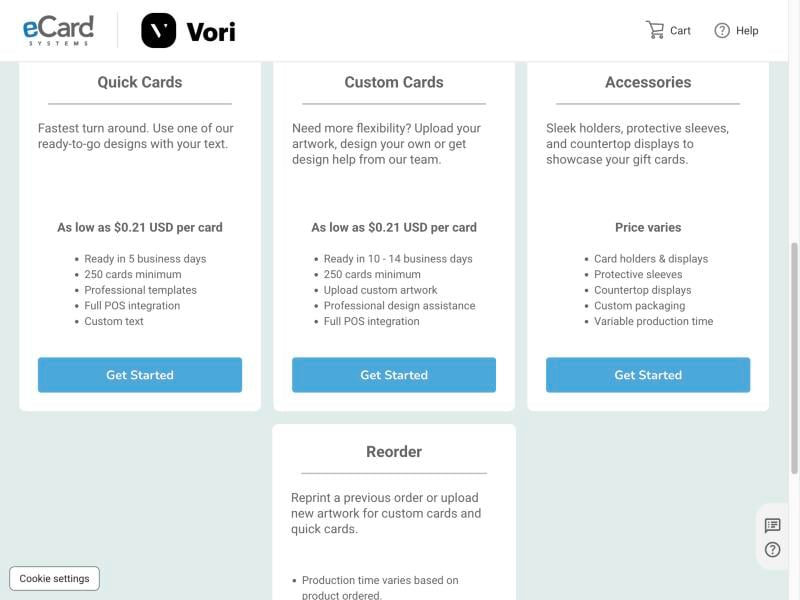
Card orders have a 250-card minimum. Allow an extra 1–5 business days for shipping.
Customize your cards
-
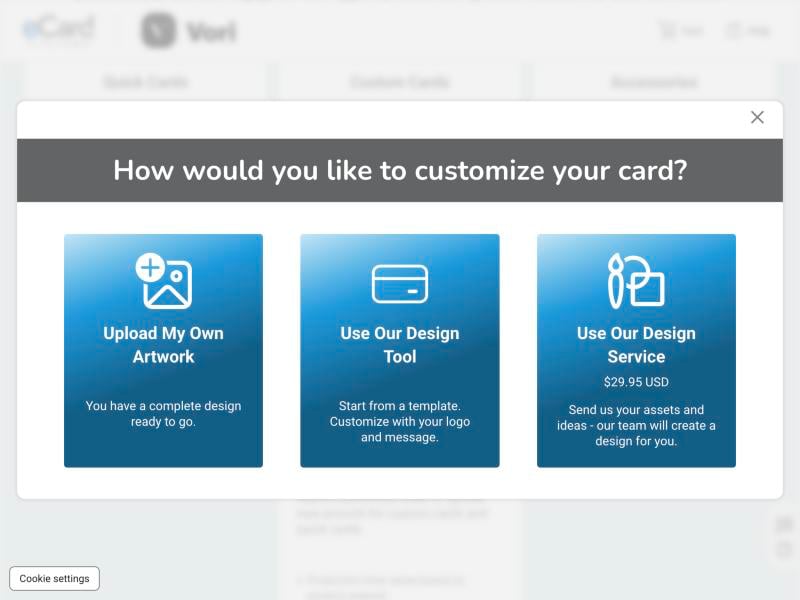
If you chose Custom Cards, pick how you want to design the front:
- Upload My Own Artwork — you already have a finished design.
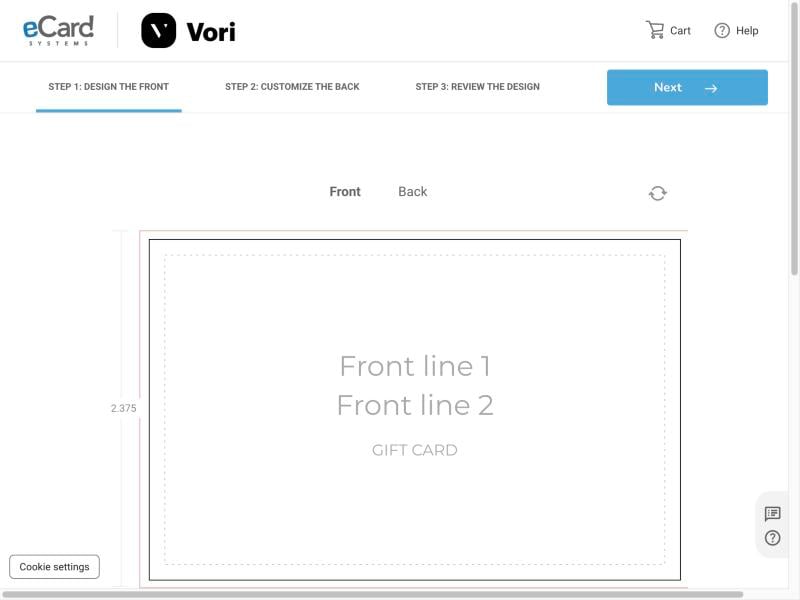
- Use Our Design Tool — start from a template and add your logo and message.
- Use Our Design Service — send your logo and ideas, and the eCard team designs the card for a one-time fee.
-
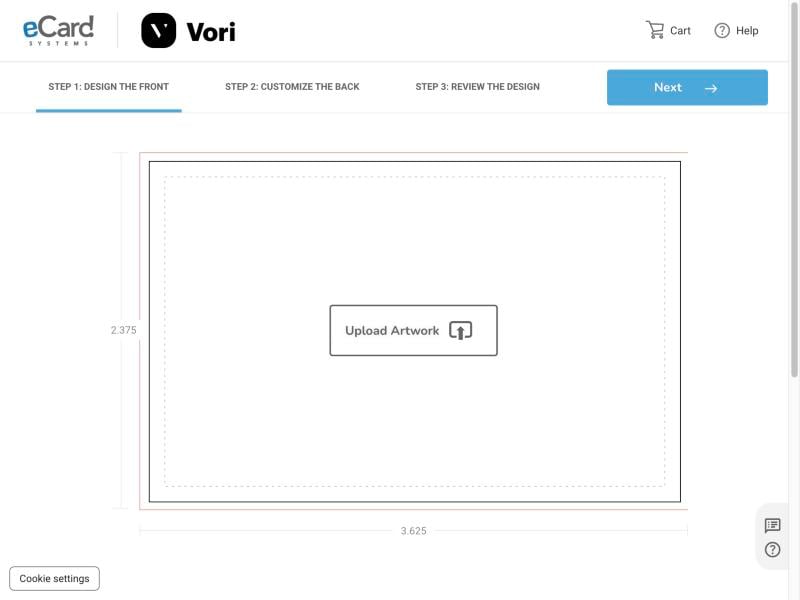
On Step 1: Design the Front, click Upload Artwork and add your file. The card is 3.625” × 2.375”. Keep logos and text inside the dotted safe area. Click Next.
-
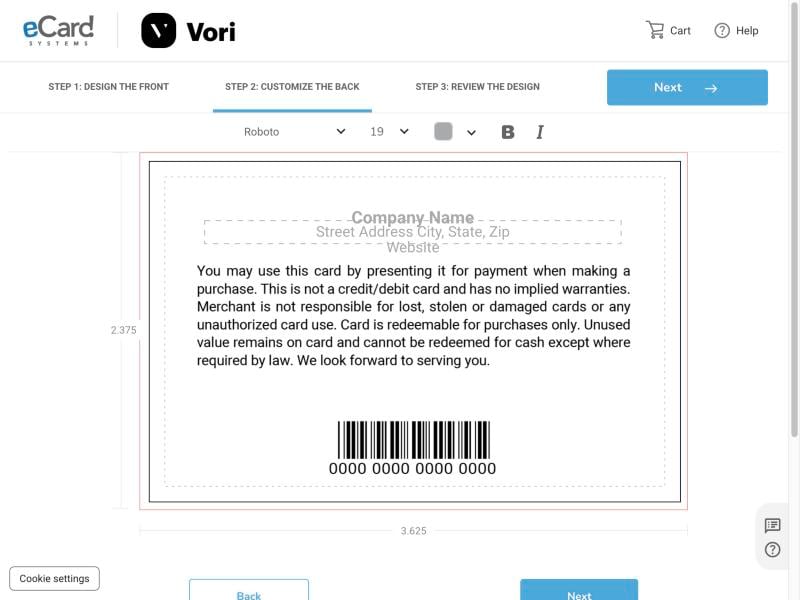
On Step 2: Customize the Back, click any text field to edit it. Add your store name, address, and website, and adjust the font, size, and color from the toolbar. Click Next.
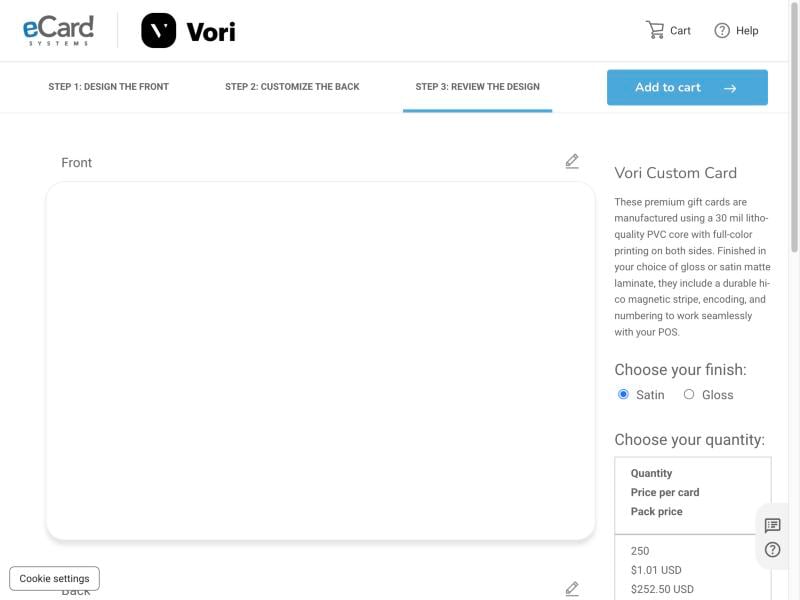
- On Step 3: Review the Design, check the front and back. Click the pencil icon to make changes.
-
Choose your finish (Satin or Gloss) and quantity. The price per card drops as quantity goes up.
- Click Add to cart, then check out.