

Introduction
New store users must finalize account setup with their pre-registered email address linked to their store account. If unsure which email to use, they should confirm with their onboarding manager. ✏️ Note - Only pre-registed emails may sign into Vusion Manager. Contact support@vori.com to add additional logins to a store’s account.Directions
- Open https://manager-us.vusion.io.
-
Select
**Personal Account**.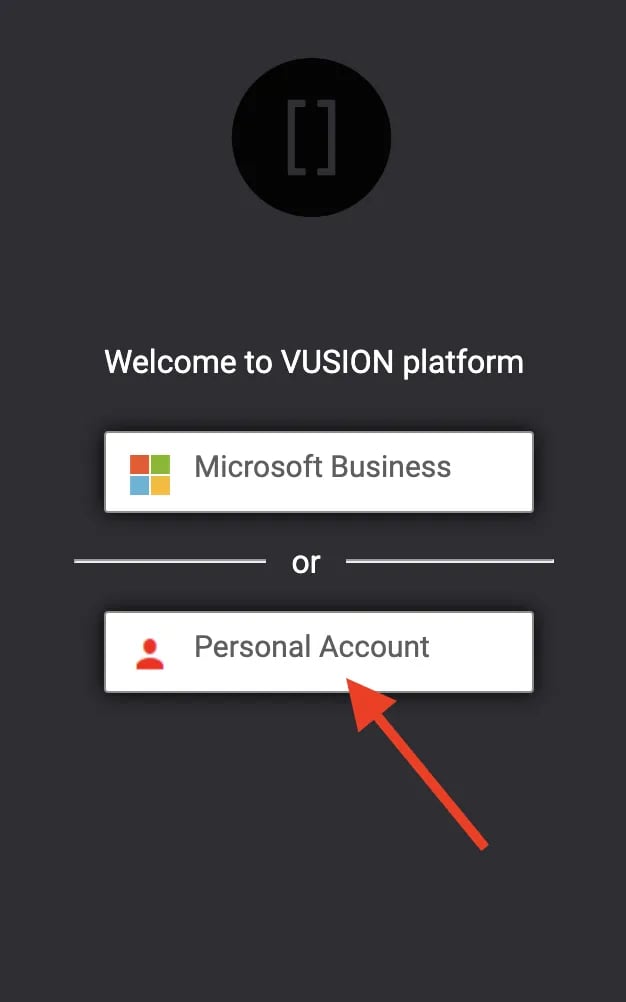
-
Select
**Sign up now**.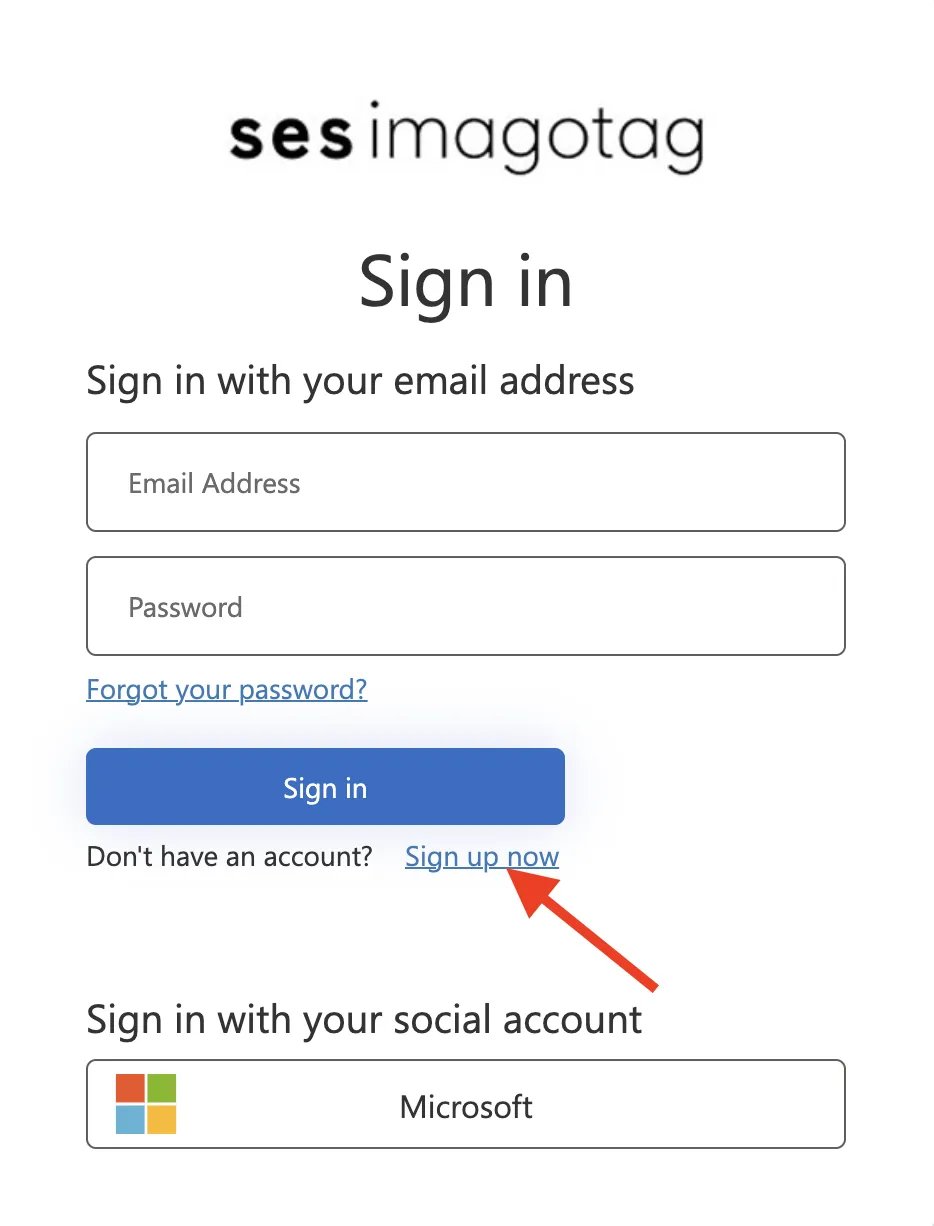
-
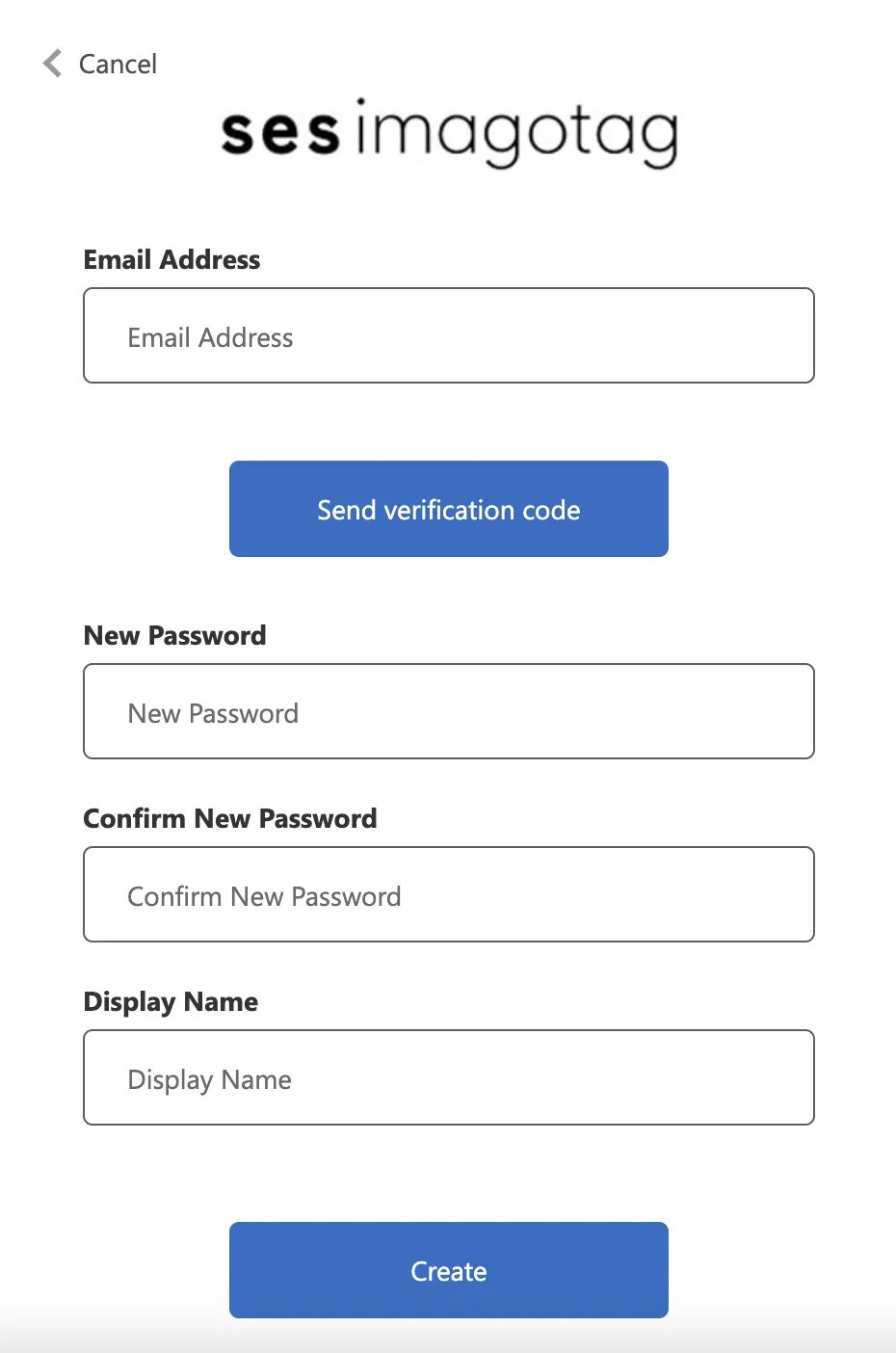
Enter in the pre-registered email address. Then, create a password and a display name for the account.
-
Account registration is complete! When logging in, be sure to always select
Personal Accountwhen prompted.