Learn how to find, download, or request a 1099-K form.
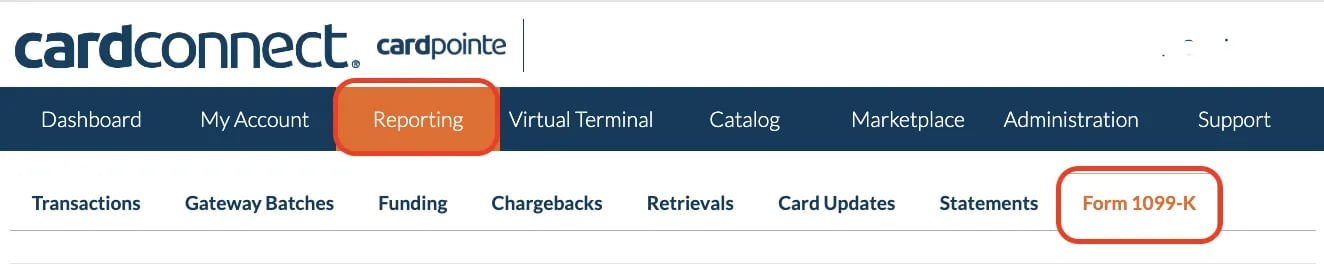
Form 1099-K is a tax document used to report credit card and third-party payment transactions. If you’re using Vori POS, your store may process credit card payments through either PCS (Petroleum Card Services) or CardConnect. Since each processor handles 1099-K forms differently, please follow the appropriate instructions based on your payment provider.
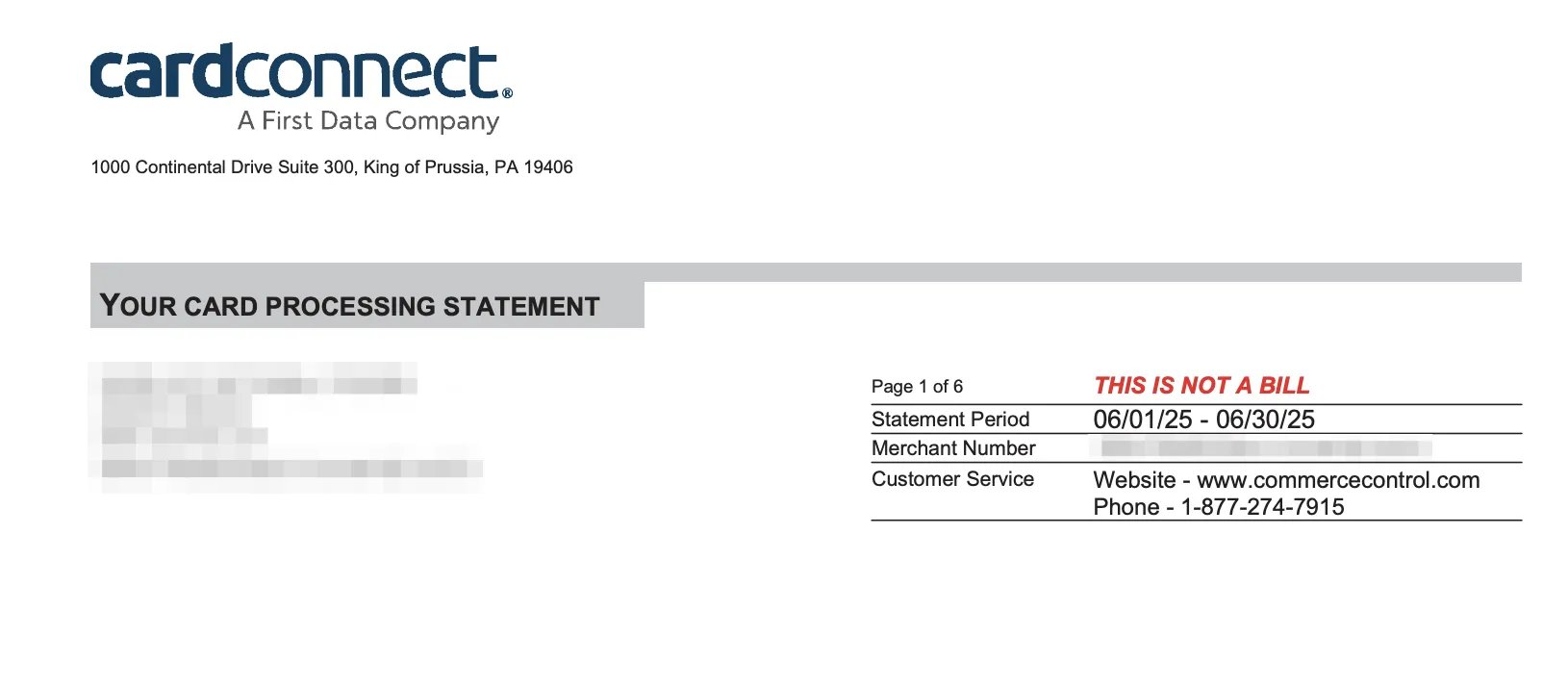
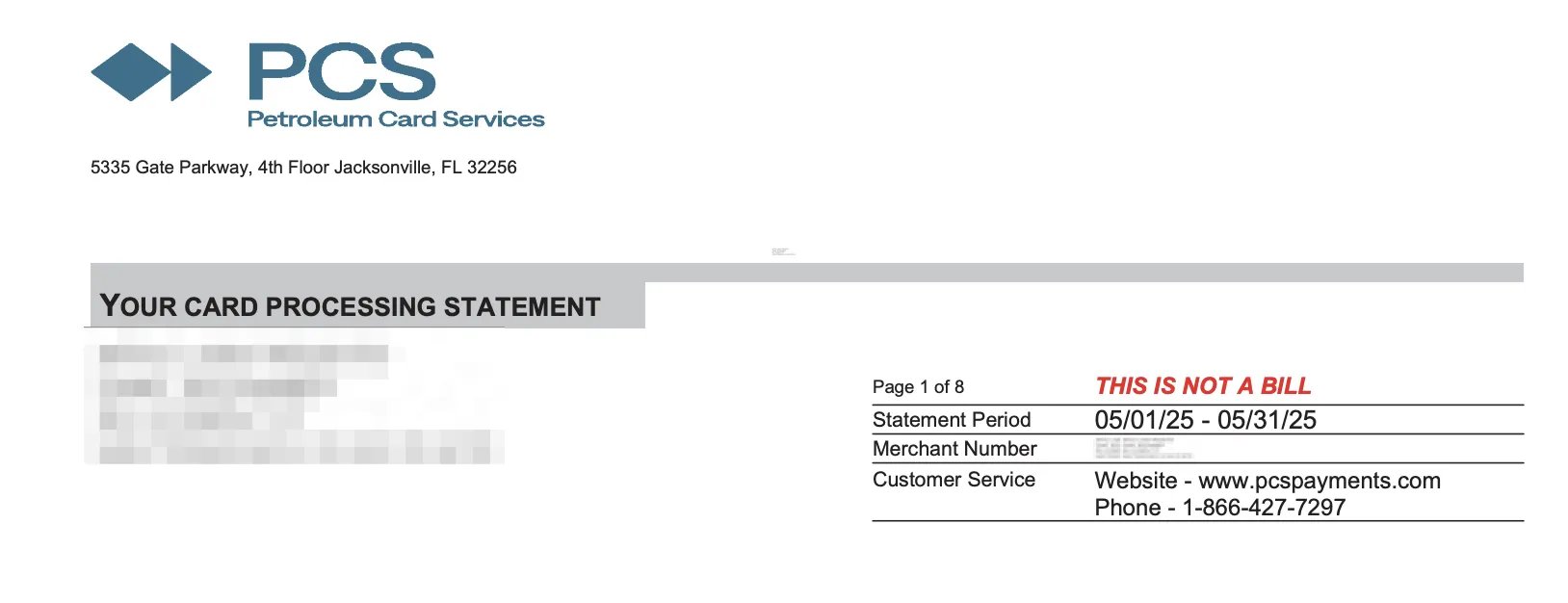
If you are unsure who your credit card processor is, you can find this information by reviewing your monthly card processing statements, which are sent to the email address associated with your merchant portal login.
Petroleum Card Services (PCS) - Request a 1099-K Form
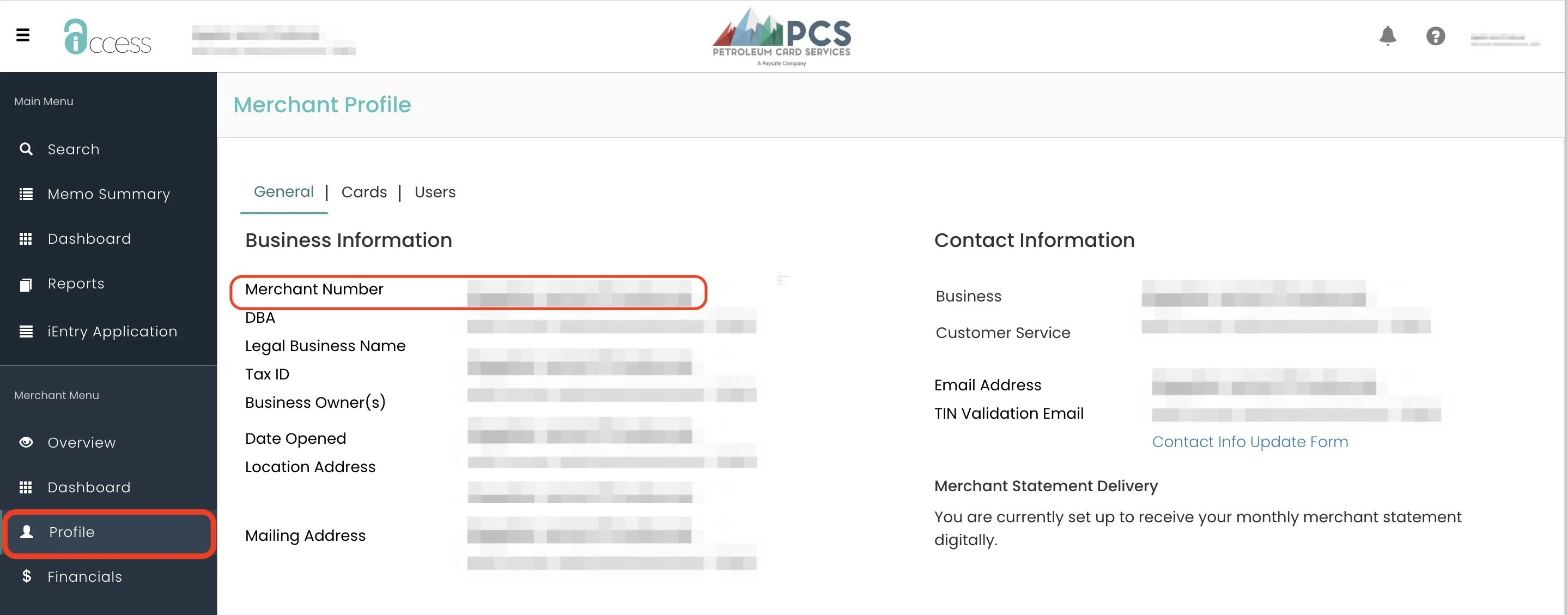
If you’re processing card payments through PCS, the 1099-K form must be requested through merchant services. Before calling PCS merchant services, have your Merchant Number (MID) ready for the PCS merchant services agent.
Once logged into your merchant page, select Profile from the left-hand menu.
Within the Profile page, your Merchant Number will be displayed along with other business information.
Call PCS merchant services and request your 1099-K form.
Call 1-866-427-7297, then press 1, followed by 4.
After providing your account credentials, request your 1099-K form. This form will be sent to the email inbox of your merchant account’s primary contact.