Use the Vendor Products list to find items by item code, audit costs, and clean up your data
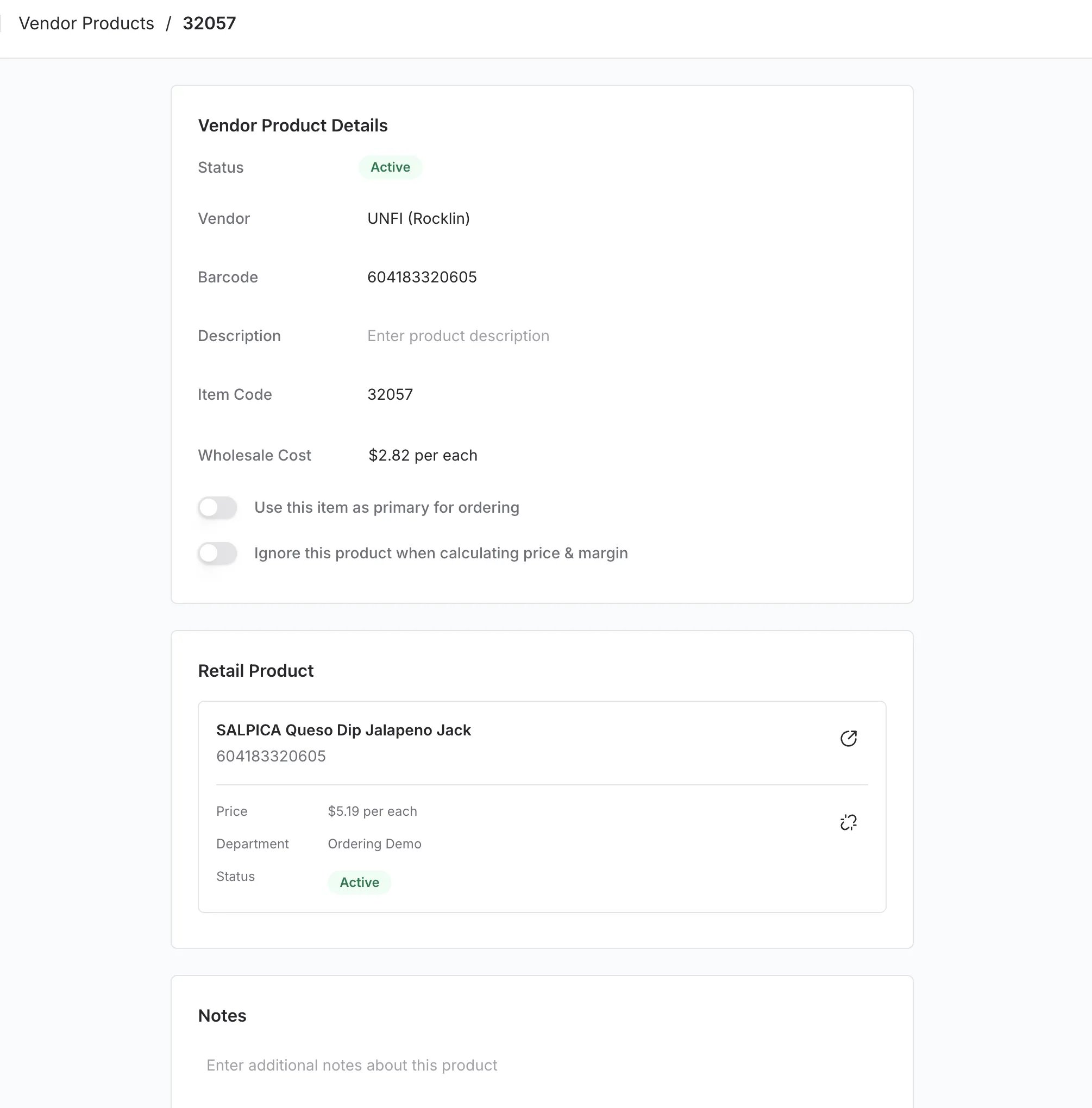
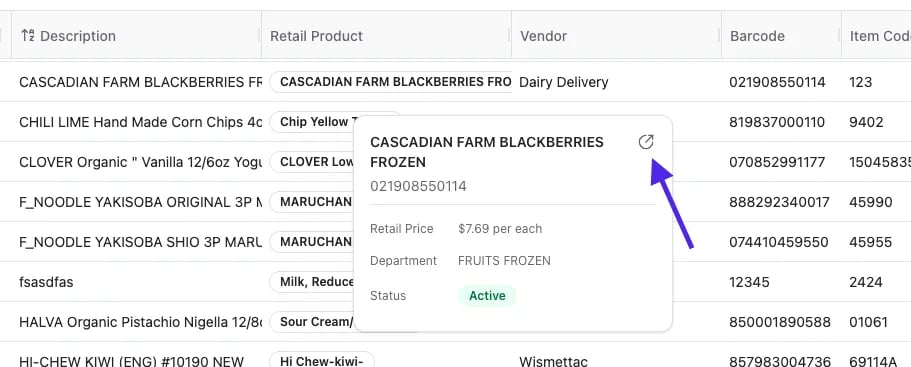
While you can manage vendors directly from a product page, Vori also provides a dedicated Vendor Products view. This is your command center for searching your entire supplier database and auditing your costs in bulk.
When you are reviewing a paper invoice, you often only have the Vendor Item Code for an item (e.g., 57447), not the store’s barcode. You can use the Vendor Products page to quickly identify which product that code belongs to.
To keep your margins accurate, your data needs to be clean. The Vendor Products page offers “Smart Filters” to help you find problems before they affect your pricing.At the top of the Vendor Products page, look for the quick filter buttons:
Missing Cost: Shows all vendor links that have a missing cost. These items may be falsely skewing your margins.
Has Duplicate Barcode: Identifies where the same barcode is attached to multiple vendor product records. This often happens if an item was added manually when it already existed.
Has Duplicate Item Code: Flags when a specific vendor item code appears more than once. This helps you merge duplicate entries so your order guides don’t list the same item twice.
Has Duplicate Vendor Product: Detects exact matches where the same vendor-product combination is listed twice. Removing these prevents confusion during ordering.
Has Missing Case Size: Highlights items where the pack size is undefined. Without a case size, Vori cannot calculate a correct unit cost or margin.