Option 1: Prompt for Quantity
Best for: High-speed checkout where cashiers can quickly count the pack size. In this method, the POS stops and asks the cashier to confirm how many units are being sold (e.g., entering “6” for a 6-pack).Set Up in Vori Back Office
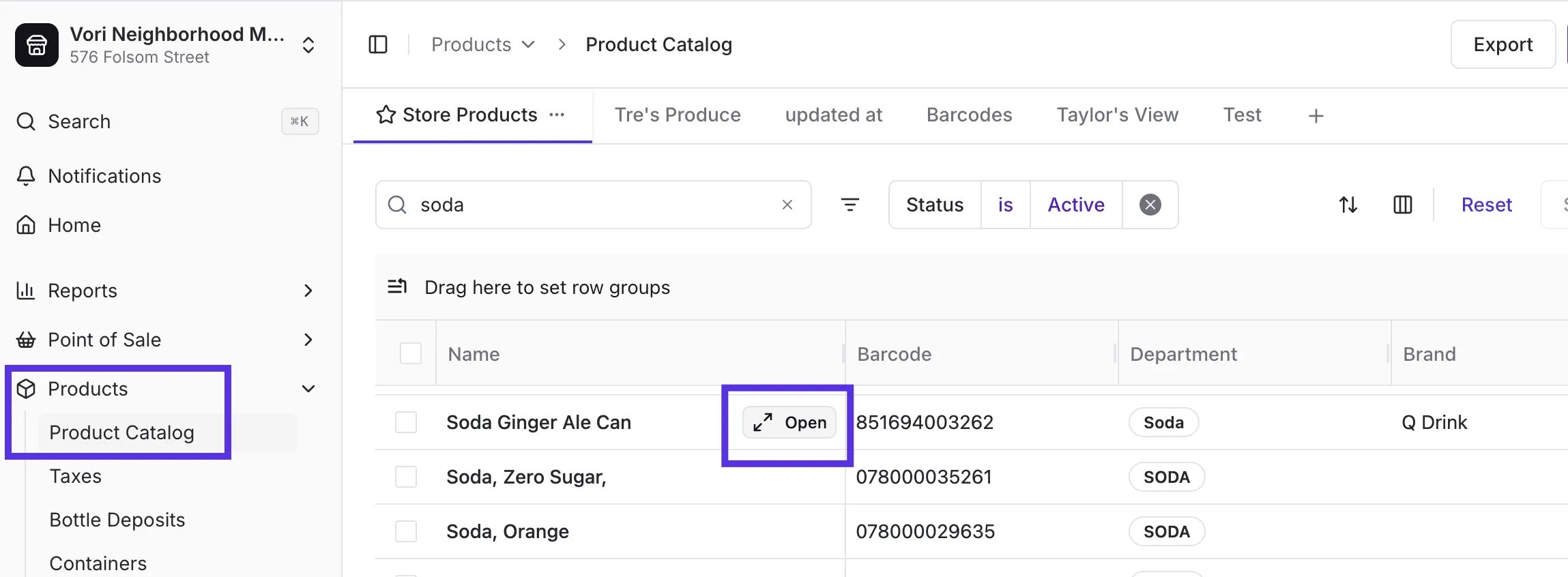
- Select Products > Product Catalog from the left menu and locate the item.
-
Locate the product and open it by hovering over the product name.
-
Enter the price for a single unit.
- (e.g., Enter $2.29/per can).
-
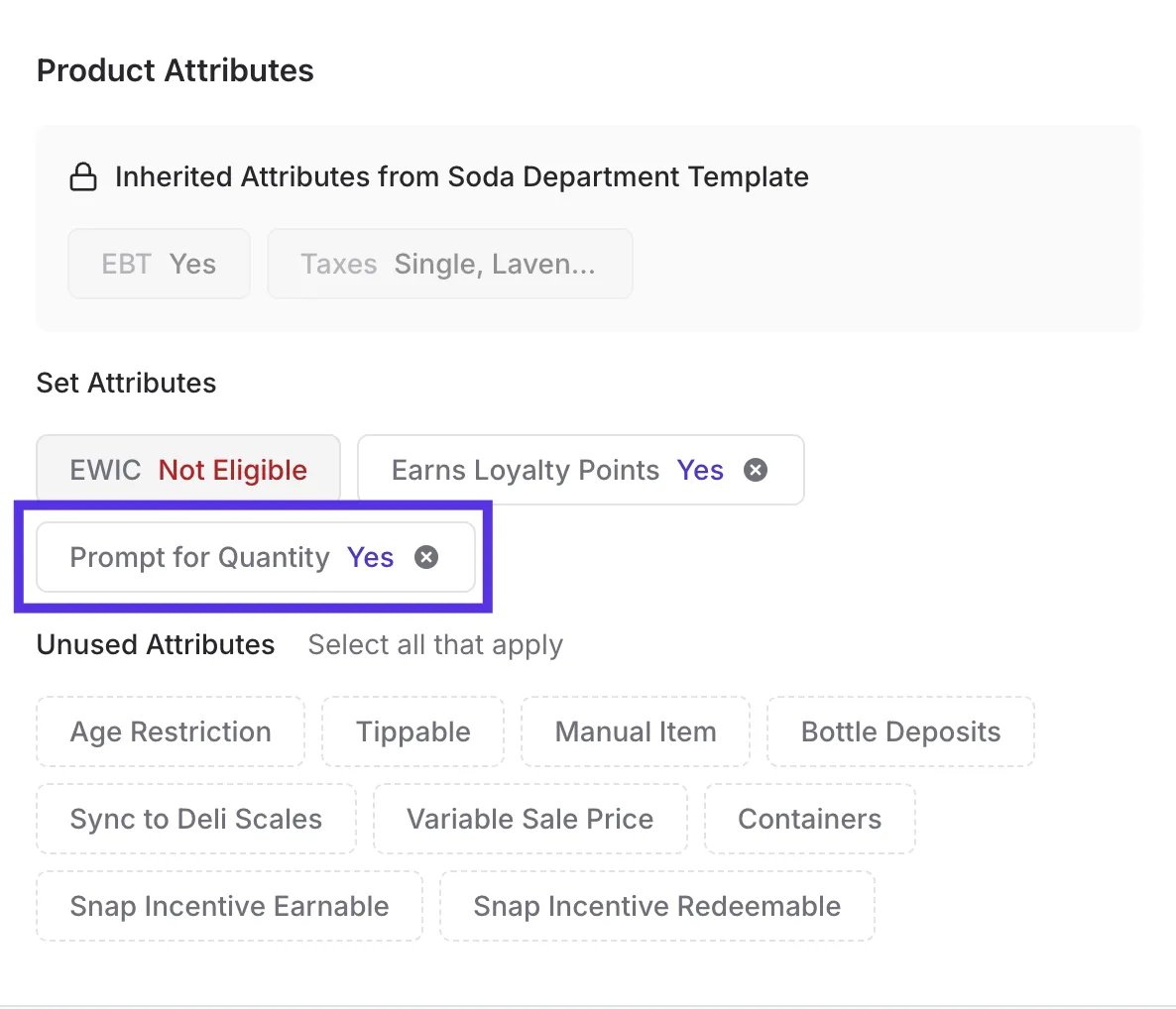
In the Product Attributes section, enable any applicable bottle deposit attributes and Prompt for Quantity.
- Tap Create Product.
-
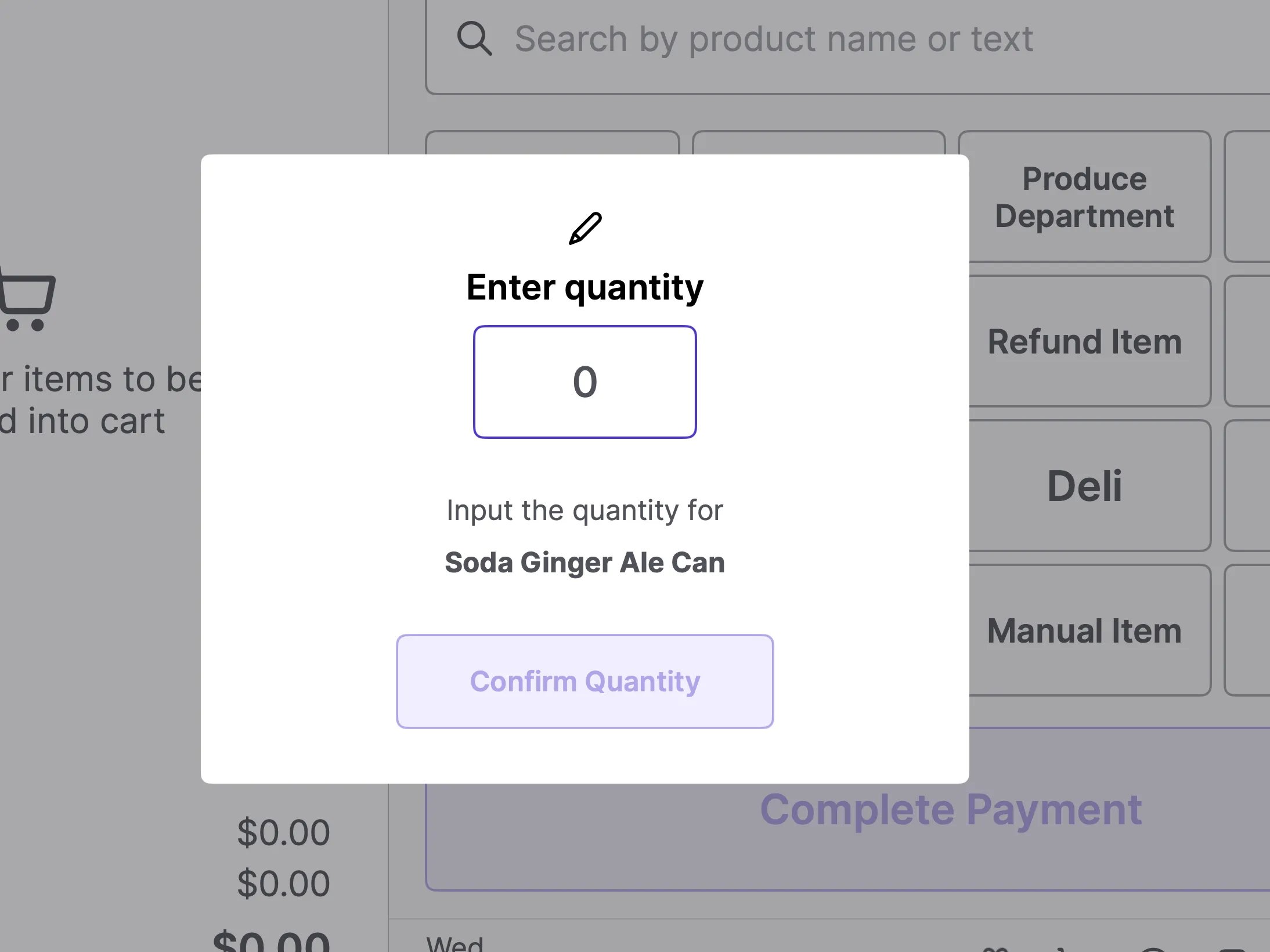
When this item is scanned at the POS, the system will prompt the cashier to enter the quantity sold (e.g., they will enter “6” for a full 6-pack).
Add a bulk discount for the 6-pack
If your store offers a lower price when a shopper buys six cans at once — compared to six individual purchases — you can pair Prompt for Quantity with a Mix Match promotion. When the cashier scans the barcode and enters 6, the promotion fires automatically and brings the total down to the 6-pack price. No second barcode, no manual override needed. Step 1 — Confirm the product is set up with Prompt for Quantity per the steps above. Step 2 — Create a Mix Match promotion- In the Back Office, go to Promotions and create a new promotion.
- Set the Offer Type to Mix Match.
- Set the Quantity to 6.
- Under Conditions, select Strict Interval — this ensures the discount only applies at exact multiples of 6. A cashier entering 3 gets single-can pricing, not a partial discount.
-
Choose your Discount Method based on how your store prices the 6-pack:
Promotional Total is usually the simplest — enter the 6-pack price and Vori calculates the per-unit discount automatically.
- Add the product to the qualifying product list.
- Leave End Date blank so the promotion stays active ongoing.
- Save and activate the promotion.
Option 2: Separate PLU
Best for: Accurate inventory tracking of singles vs. packs. In this method, you use the main barcode for the multi-pack and a manual code (PLU) for the single unit.How to Configure in the Back Office
-
Main Product: Set up the scanned barcode as the multi-pack (e.g., the 6-pack price).
-
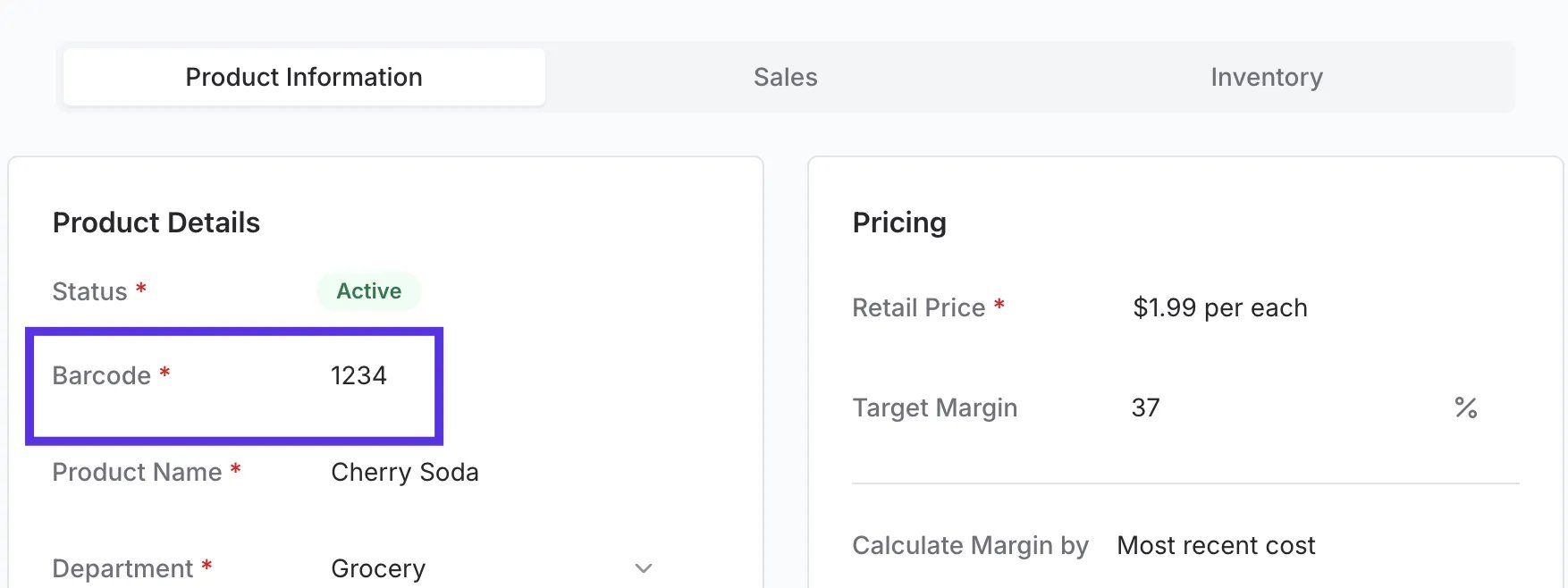
Second Product: Create a separate product for the single unit.
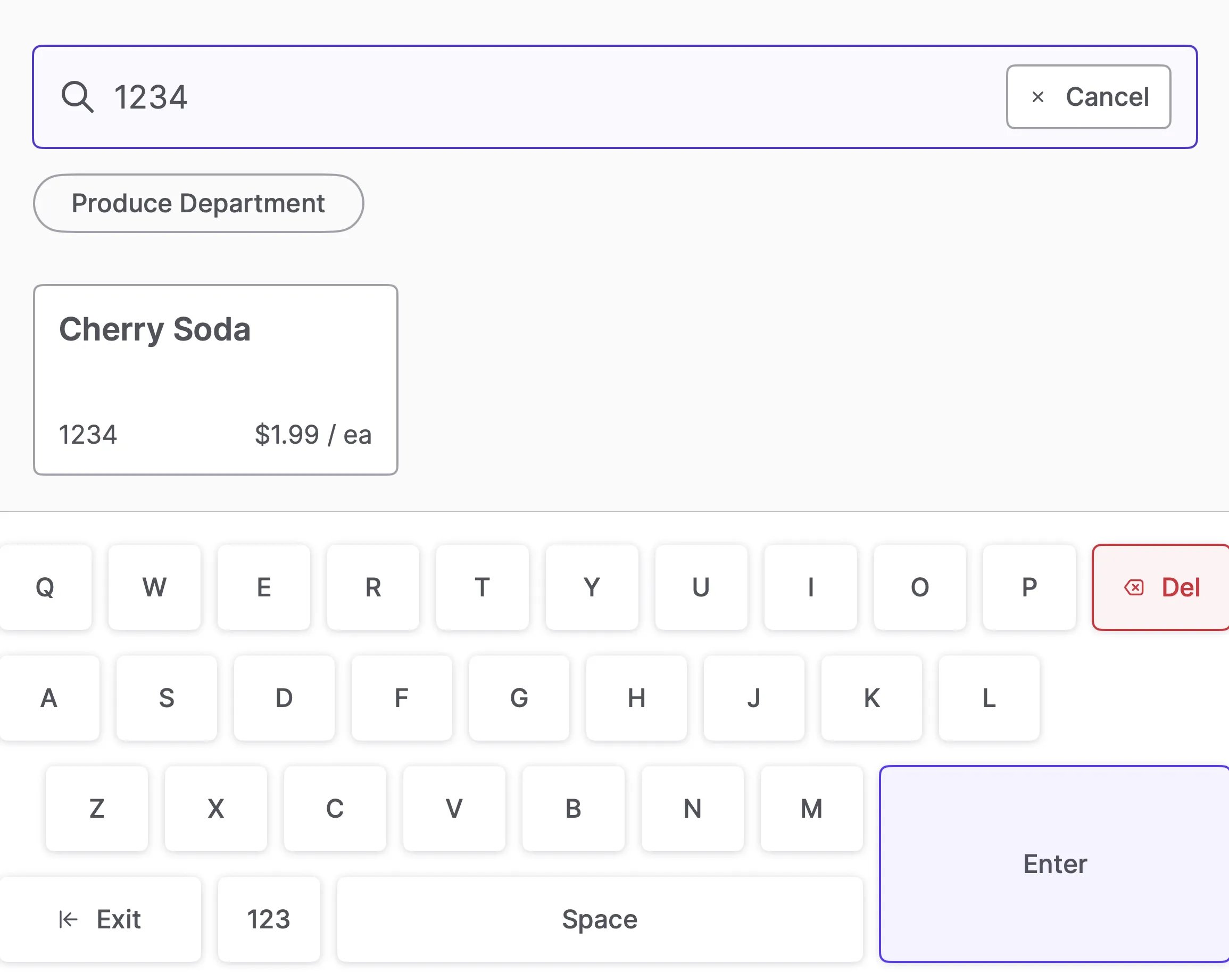
- Assign PLU: Give the single unit a short PLU (e.g, 1234) instead of a barcode.
-
At Register: The cashier scans the pack for the full price or types 1234 to sell the single unit.