> ## Documentation Index
> Fetch the complete documentation index at: https://help.vori.com/llms.txt
> Use this file to discover all available pages before exploring further.
# Update the Vori operating system App
> Keep your app up to date for the latest features and fixes
### Force Close The App
Start by force-closing the app.
1. Swipe up from the bottom of the screen and pause in the middle.
2. Find the **Vori operating system** app preview.
3. Swipe up on the preview to close it.
***
### Using a Store Handheld Vori iPhone
On a Store Handheld Vori iPhone:
1. Open the **Iru** app from the iPhone home screen.
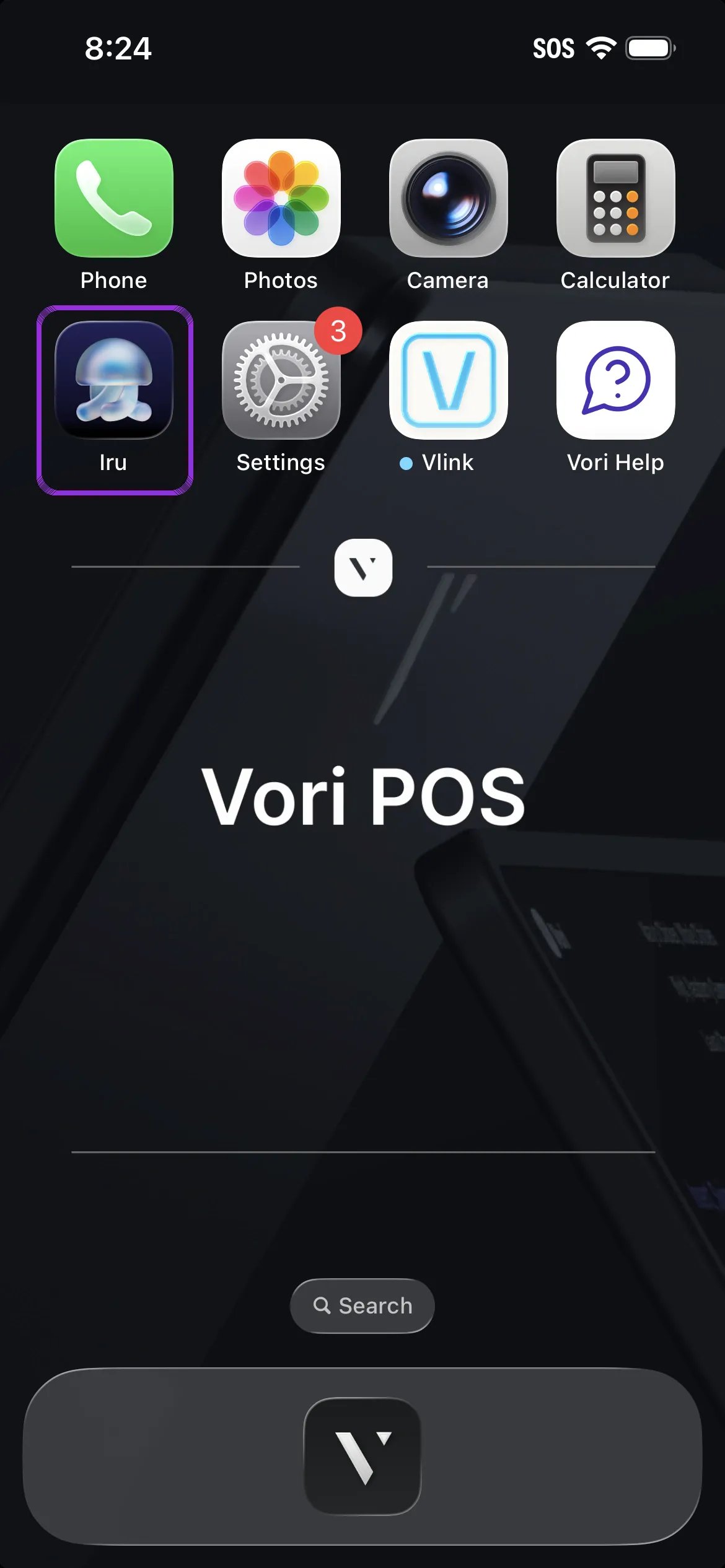 2. Tap the **Update** button that appears next to the Vori operating system icon.
3. Once the update is complete, reopen the app and log in.
***
### If You’re Using a Personal iPhone Device
To update:
1. Open the **App Store** on your iPhone.
2. Search for **Vori operating system**.
3. Tap the **Update** button.
4. Once the update is complete, open the app and log back in.
## Related topics
- [Frequently Asked Questions](/faqs.md)
- [Vori Webinar Training Hub](/vori-webinar-training-hub/vori-webinartraining-hub.md)
- [Manage Invoices, New Items, and Cost Changes](/invoicing-cost-changes-and-smart-pricing/cost-changes-and-smart-pricing/manage-invoices-new-items-and-cost-changes.md)
2. Tap the **Update** button that appears next to the Vori operating system icon.
3. Once the update is complete, reopen the app and log in.
***
### If You’re Using a Personal iPhone Device
To update:
1. Open the **App Store** on your iPhone.
2. Search for **Vori operating system**.
3. Tap the **Update** button.
4. Once the update is complete, open the app and log back in.
## Related topics
- [Frequently Asked Questions](/faqs.md)
- [Vori Webinar Training Hub](/vori-webinar-training-hub/vori-webinartraining-hub.md)
- [Manage Invoices, New Items, and Cost Changes](/invoicing-cost-changes-and-smart-pricing/cost-changes-and-smart-pricing/manage-invoices-new-items-and-cost-changes.md)